
Best EQ Settings for Bass (And Why Maxing It Doesn't Work)
What “bass” actually means
Before touching a slider, it helps to know what each part of the low end does.
| Range | What lives there | What too much sounds like |
|---|---|---|
| 20–60 Hz — sub-bass | Felt more than heard. Cinema rumble, 808s | Wooliness, wasted headroom |
| 60–120 Hz — bass | Kick drum weight, bass guitar fundamentals | Boomy, one-note |
| 120–250 Hz — upper bass | Warmth and body | Mud. The fastest way to ruin a mix |
| 250–500 Hz — low mids | Fullness in voices and guitars | Boxy, congested |
Most “bass boost” presets push everything under 250 Hz up together. That’s why they so often sound worse: you get 120–250 Hz mud along with the weight you wanted, and mud masks the vocals.
Why maxing the low slider backfires
Two things go wrong at once.
Masking. Low frequencies are energetic, and when there’s too much down there they smother the midrange where vocals and guitars live. Your brain reads that as thickness, not as bass. The bass is louder and simultaneously less defined.
Headroom. Every decibel of boost pushes peaks closer to the ceiling. Go far enough and the peaks flatten — clipping, heard as harshness and crackle. To avoid it you turn the overall level down, and now you have a muddier track that isn’t even louder. Nothing gained.
The move most people miss: cut, don’t only boost
The single most effective bass adjustment is often a cut at 300–500 Hz.
Taking a couple of decibels out of the low mids clears space between the bass and everything above it. The bass doesn’t get louder — it gets separated, and separation is what your ear registers as “tight, defined bass”.
It costs no headroom. It’s free.
The professional habit is: cut what’s crowded, then raise the master a little to compensate. You end up with more apparent bass and more room before clipping.
Starting numbers for a 6-band EQ
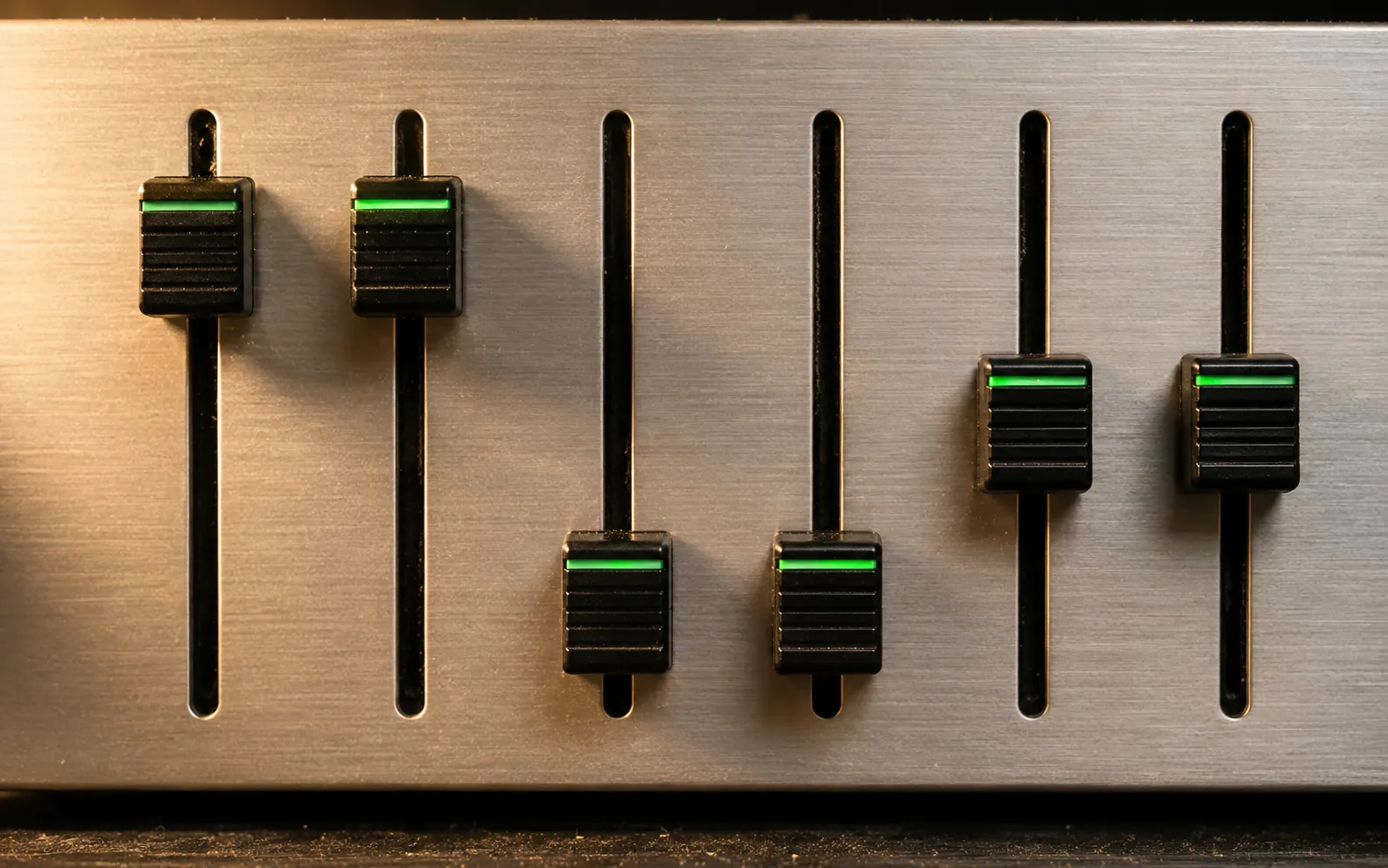
Our app’s equalizer has bands at 60 Hz, 150 Hz, 400 Hz, 1 kHz, 2.4 kHz and 15 kHz. These are starting points, not laws — adjust by ear and by what you’re listening on.
Balanced bass boost — more weight without mud
60 Hz    +4
150 Hz   +2
400 Hz   −2
1 kHz     0
2.4 kHz  +1
15 kHz    0
Deep sub emphasis — hip-hop, electronic, on headphones only
60 Hz    +6
150 Hz    0
400 Hz   −3
1 kHz    −1
2.4 kHz  +1
15 kHz   +1
Note 150 Hz stays flat. The weight comes from below it, and skipping that band is what keeps it clean.
Phone speaker — where the low bands are wasted
60 Hz     0
150 Hz   +4
400 Hz   −1
1 kHz    +1
2.4 kHz  +2
15 kHz    0
Podcasts and spoken word — clarity over weight
60 Hz    −3
150 Hz   −1
400 Hz   −2
1 kHz    +2
2.4 kHz  +3
15 kHz   +1
Your speaker decides which of these matter
This is the part that gets left out of every “best bass settings” list, and it’s the one that changes your results most.
A phone speaker physically cannot reproduce much below about 300–500 Hz. The driver is a few millimetres across in a sealed sliver of aluminium; there is no mechanism for it to move enough air. Boosting 60 Hz on a phone speaker sends it energy it cannot convert into sound — you lose headroom and gain distortion, for nothing.
On a phone speaker, lift 150–250 Hz instead. That’s where the audible impression of warmth lives, and the driver can actually produce it.
Earbuds and in-ears seal against your ear canal and do genuinely reproduce low bass — the sub bands are worth using here.
Over-ear headphones have the most low-end capability of anything you’ll use with a phone. This is where a +6 dB at 60 Hz is a real effect rather than a wasted instruction.
A Bluetooth speaker varies enormously. Many already apply heavy bass boost internally, so adding more just pushes their own limiter harder. Try flat first.
A few practical habits
- Change one band at a time, and listen to the same 30-second passage. Stacked changes are impossible to judge.
- Keep boosts under about +6 dB. Beyond that you’re mostly buying distortion.
- Give your ears a minute. Bass boost is exciting immediately and fatiguing after twenty minutes. Set it, listen to a whole album, then decide.
- Use a familiar track. Something you’ve heard hundreds of times tells you more than a demo track chosen to sound impressive.
Bass as a loudness tool
Worth connecting to the wider point: because the ear under-reads low frequencies, adding bass makes a track feel louder without raising overall level as much as turning everything up would.
So if what you actually want is more loudness, the low end is a more efficient lever than the volume dial — and a gentler one, since total energy reaching your ear is what matters for hearing safety. Volume Booster pairs gain with this 6-band EQ for exactly that reason: the two together get you further than either alone.
For the rest of the loudness picture — streaming apps normalising your music down, Late Night EQ, and the settings that quietly cap you — see how to make your music louder.
Frequently asked questions
How to Increase Bass on AirPods (What Works and What Doesn't)
How to increase bass on AirPods, which have no bass setting: the right EQ in the right app, ear tip fit, noise cancelling, and what no iPhone app can do.
How to Make Android Louder: Settings, Limits and What Works
How to make Android louder: four volume streams, a safe-volume cap, a Bluetooth quirk and, unlike iPhone, real system-wide boosters. Biggest gains first.
Make your music louder than ever.
Boost the volume, add deep bass, and fine-tune every track with a 6-band equalizer — all in one simple app.
Download the App