
How to Increase Bass on AirPods (What Works and What Doesn't)
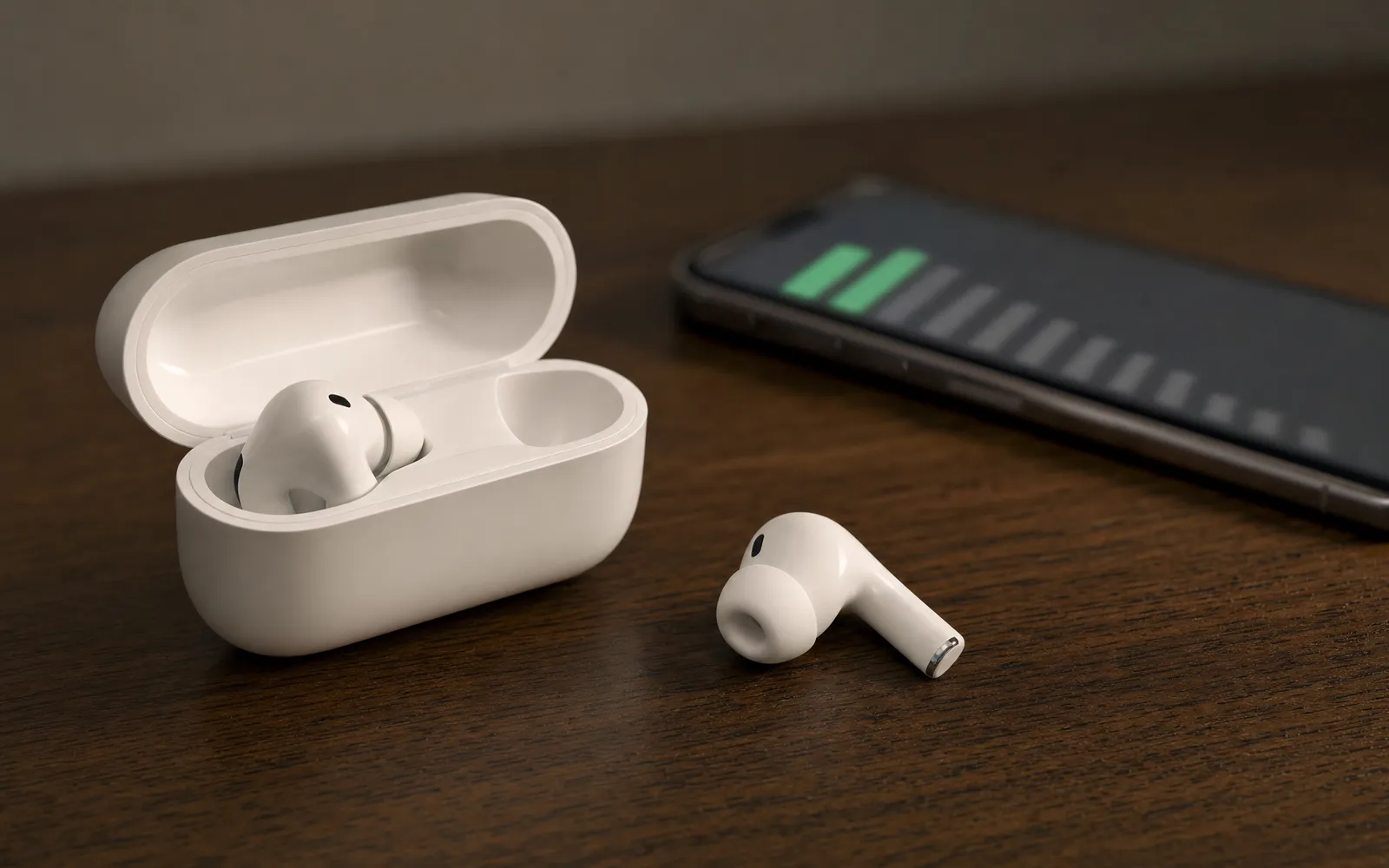
Start with the seal, not the settings
On AirPods Pro, most “not enough bass” complaints are a fit problem. Low frequencies need a sealed ear canal to build up pressure; break the seal even slightly and the bottom octave leaks out before it reaches your eardrum.
Run Settings → Bluetooth → your AirPods → Ear Tip Fit Test. If either side fails, try the next size up. People almost always pick a tip that feels comfortable rather than one that seals, and the sealing size is usually one larger. Foam tips from third parties seal better still if you want to go further.
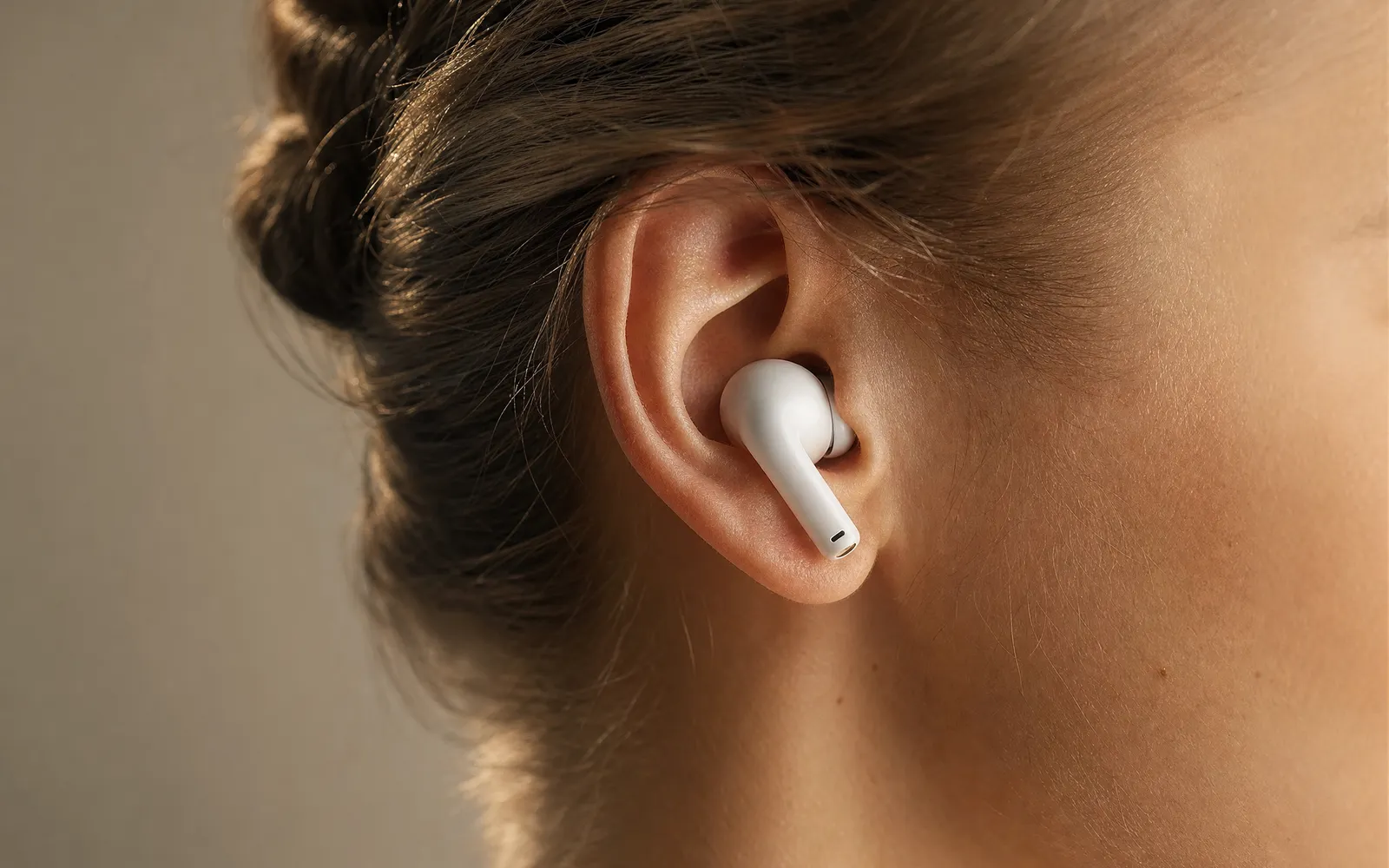
Standard AirPods are an open fit and can’t seal at all. That’s a design choice, not a fault, and it’s the reason they will never have the bass of the Pro or Max regardless of any setting.
Turn noise cancelling on
Noise cancelling doesn’t add bass. It removes the thing that hides it.
The room noise that ANC is best at removing — traffic rumble, an engine, air conditioning — sits in the same low range as your music’s bass, and it masks it. Take the noise away and the bass that was always in the track becomes audible. Same music, same AirPods, noticeably more low end.
Transparency mode does the reverse, so if you’ve been listening in Transparency and wondering where the bass went, that’s where.
Then EQ — in the right app
Here’s the part most guides get wrong. AirPods have no equalizer of their own. Bass has to be added by whichever app is producing the audio, so the setting lives in a different place for each app, and some apps don’t have one.
Apple Music: Settings → Music → EQ. Pick Bass Booster, or try Late Night if you listen at low volume — it lifts both ends of the range, which reads as more bass and more clarity at once. This applies to the Music app only.
Spotify: inside the app, Settings → Playback → Equalizer. Spotify has its own EQ because it processes its own audio, and it works with AirPods like any other headphones. Raise the two lowest bands a few decibels and leave the rest.
YouTube, Netflix, most streaming apps: no equalizer. Nothing you can do from the iPhone side; the only levers are the seal and ANC above.
Your own files: use a player with an EQ built in. A 6-band equalizer app can raise 60 Hz and 150 Hz on the tracks it plays and add a bass shelf on top, which is a bigger change than any preset.
Headphone Accommodations isn’t a bass setting
Settings → Accessibility → Audio/Visual → Headphone Accommodations is often recommended for this, and it’s worth being clear about what it does. It lets you tune AirPods for Balanced Tone, Vocal Range or Brightness, and to amplify soft sounds. It’s designed for hearing support, and its adjustments are in the mids and highs.
It can make AirPods sound clearer and more detailed. It doesn’t add bass, and setting it to Balanced Tone with the Custom Audio Setup is about as far as it helps here.
What no app can do
This is the honest part, and it’s the part that saves you a subscription.
iOS isolates every app’s audio. An app can process sound it produces itself, and nothing else. There is no permission, no accessibility setting and no workaround that lets a third-party app change what Spotify, YouTube or Apple Music send to your AirPods. So any app promising to “boost bass on all your apps” or add “200% bass” on iPhone is describing a capability the platform does not provide. On Android the situation is different — the system exposes audio effects that can attach to global output — but on iPhone, bass for a streaming app comes from that app or not at all.
We make a booster app, so we’d love to tell you otherwise. We can’t. What it does is play your own audio files louder and with more bass; it doesn’t touch anyone else’s. Do volume booster apps actually work goes into the difference in detail.
If the bass has faded over time
That’s a different problem, and it’s nearly always physical.
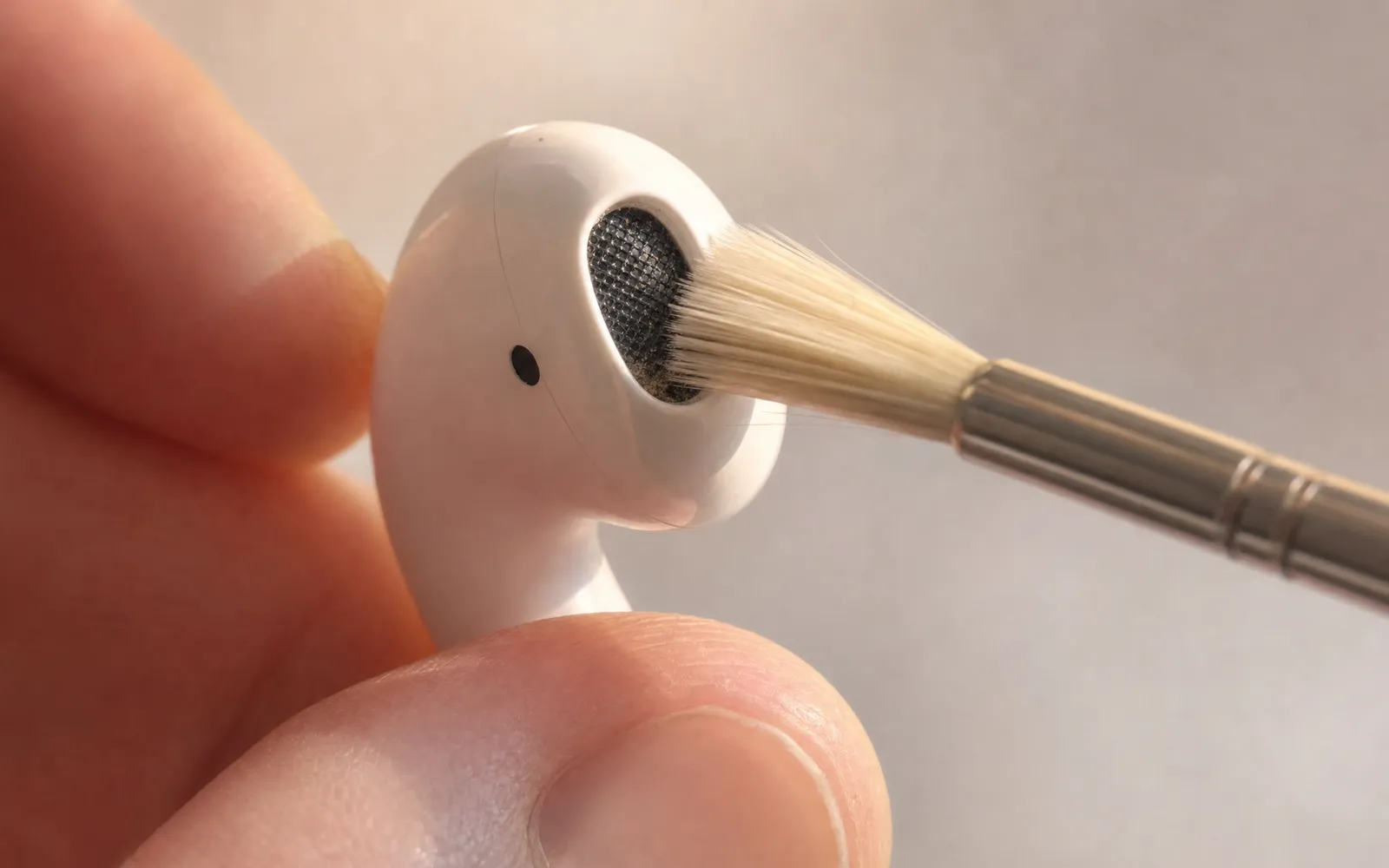
- Blocked mesh. Earwax and debris build up on the speaker grille and muffle the low end first. Clean with a dry, soft brush. Never anything wet
- Worn tips. Silicone tips lose their shape and stop sealing. Replace them
- One side only → almost certainly a blocked mesh on that side rather than a failing driver. Clean it, then compare the two sides with a headphone test to confirm they match again
How much bass are you actually getting?
Worth checking before and after any change, because bass is hard to judge from memory. Step down through the low tones in the bass test and note the lowest one you can hear clearly. Sealed AirPods Pro with a good fit should give you a clean tone well below 50 Hz; open AirPods will fade out much higher. If you’re not getting that with the Pro, it’s the seal.
In order of what it gains you
- Fix the seal — the biggest change, and free
- Noise cancelling on — bass becomes audible instead of masked
- EQ in the app that’s playing — Music, Spotify, or a player with its own equalizer
- Clean the mesh if the bass has faded
- Accept the platform limit — for YouTube and Netflix, steps 1 and 2 are all there is
Frequently asked questions
How to Make Android Louder: Settings, Limits and What Works
How to make Android louder: four volume streams, a safe-volume cap, a Bluetooth quirk and, unlike iPhone, real system-wide boosters. Biggest gains first.
Volume Booster for Android: What Works and What's Fake
A volume booster for Android can genuinely make everything louder, which is why the category is full of fakes. How real ones work, and a one-minute test.
Make your music louder than ever.
Boost the volume, add deep bass, and fine-tune every track with a 6-band equalizer — all in one simple app.
Download the App