
Left vs Right Speaker Test: Check Both Channels in Two Minutes
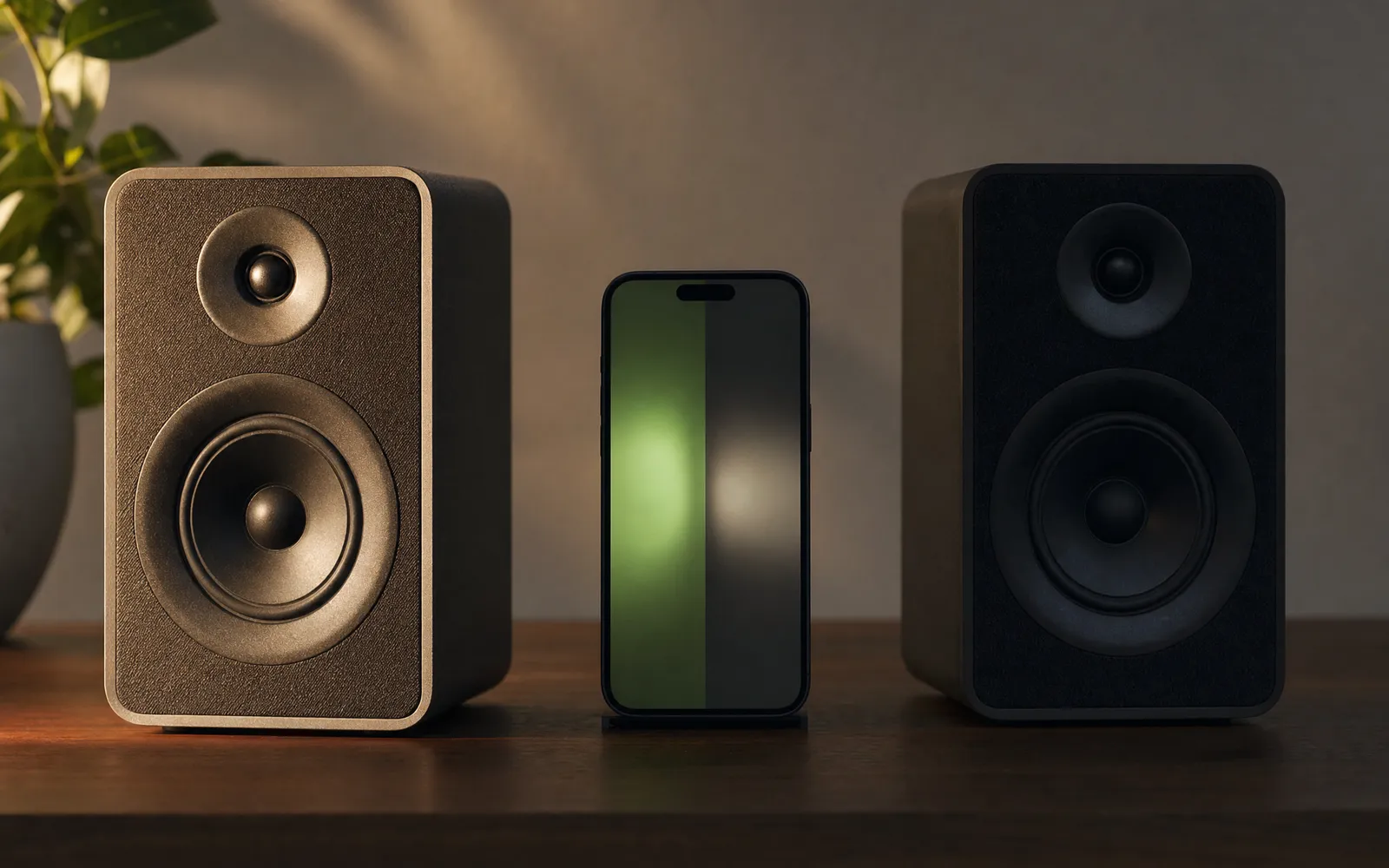
Why stereo breaks quietly
A dead channel is obvious. Everything else is not. Swapped channels, an off-centre balance and a reversed cable all leave you with sound coming from both speakers — just wrong sound. Instruments sit in odd places, the bass feels thin, or the whole mix leans to one side, and it’s easy to blame the recording, the room, or your ears.
The left right speaker test plays known signals so there’s nothing to guess. Run it in this order.
Step 1: one channel at a time
Play a tone in the left channel only. It should come from the left, clearly, and from nowhere else. Then the right.
- Both sides play, on the correct sides → carry on to step 2
- Left tone comes from the right → the channels are swapped (see fixes below)
- One side is silent → note which. That’s the repair or the cable to check
- One side is faint → could be a weak driver, a blocked grille, or balance. Step 3 separates those
If you’re on a phone with no headphones, remember iPhones do stereo with the bottom speaker and the earpiece. Both should be audible, but they’re an inch apart, so don’t expect a wide image.
Step 2: are they swapped?
It’s more common than you’d think. Headphones get put on backwards. Speaker cables get plugged into the wrong sockets during a desk tidy. A DAW or an audio interface gets its outputs mapped the wrong way round. Nothing sounds broken — films just have people walking the wrong way across the room.
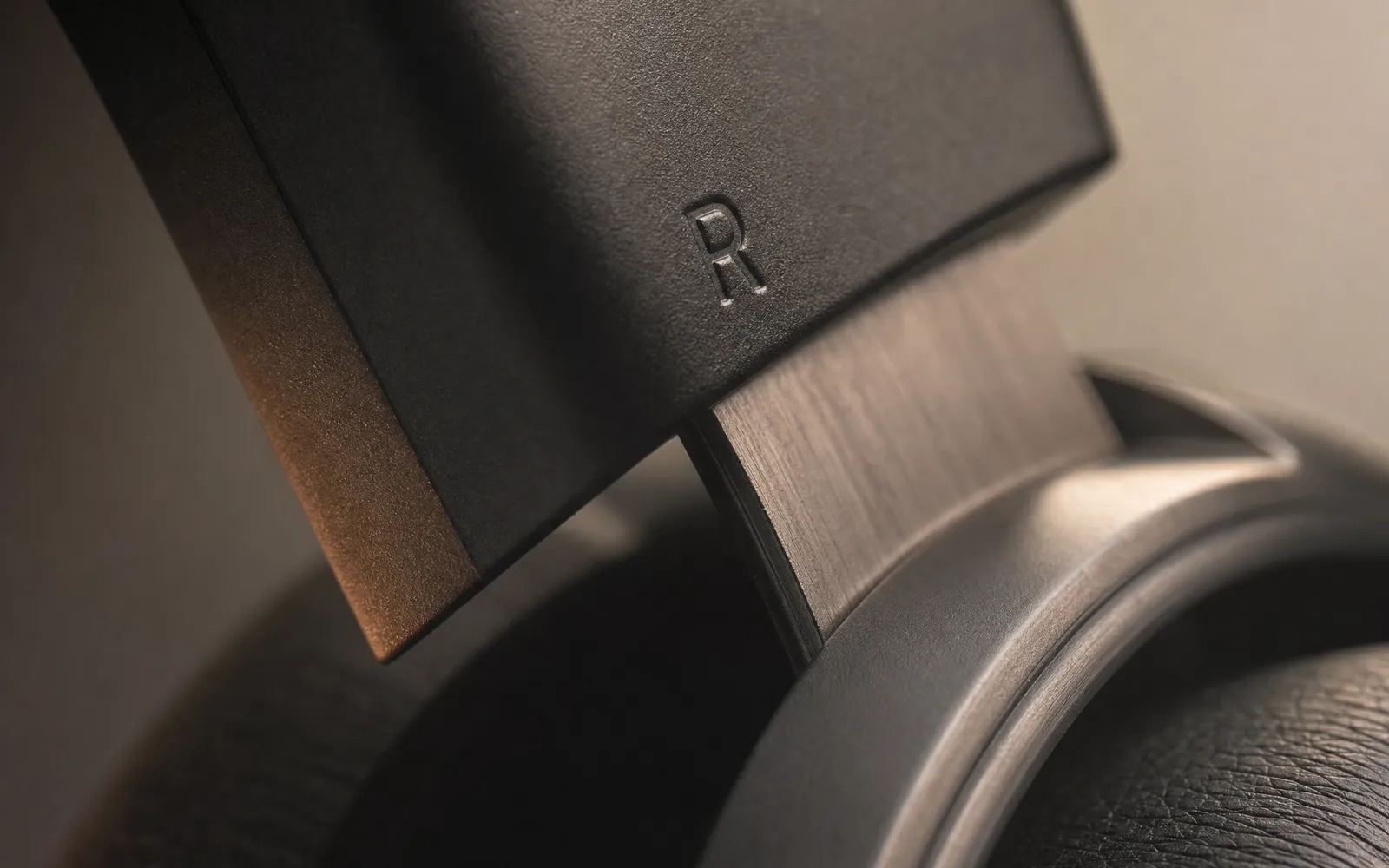
The left-only tone is the whole test. If it arrives on the right, swap:
- Headphones — turn them round. Check the L and R marks; on some earbuds they’re tiny
- Wired speakers — swap the two cables at the amplifier or interface
- Software — look for a channel-swap or output-mapping setting in the audio device’s control panel
Step 3: balance and level
Play a slow pan from left to right. The sound should travel smoothly and sit dead centre at the halfway point. If “centre” is noticeably left or right of where you’re sitting, something is unbalanced.
Then play the same tone at the same level in each channel and compare loudness. Eyes closed helps here — vision pulls your attention towards the speaker you expect to hear.
- Off-centre at every frequency → balance slider or a weaker driver
- Off-centre at some frequencies only → possibly your hearing, which is normal and asymmetric for most people
- Fine on headphones, off on speakers → the room or the speaker positions, not the equipment
Balance sliders hide in places people don’t look. On iPhone it’s Settings → Accessibility → Audio/Visual → Balance. macOS has one in Sound → Output, and Windows in the device properties under Levels → Balance. All three can be nudged by accident.
Step 4: phase
This is the one most people have never checked, and it’s the one that makes a good pair of speakers sound cheap.
If one speaker’s + and − wires are reversed, its driver moves inwards when the other moves outwards. The two partly cancel. You don’t hear silence — you hear a mix with the bass sucked out of it and no clear centre, as if the sound is around your head rather than in front of you.
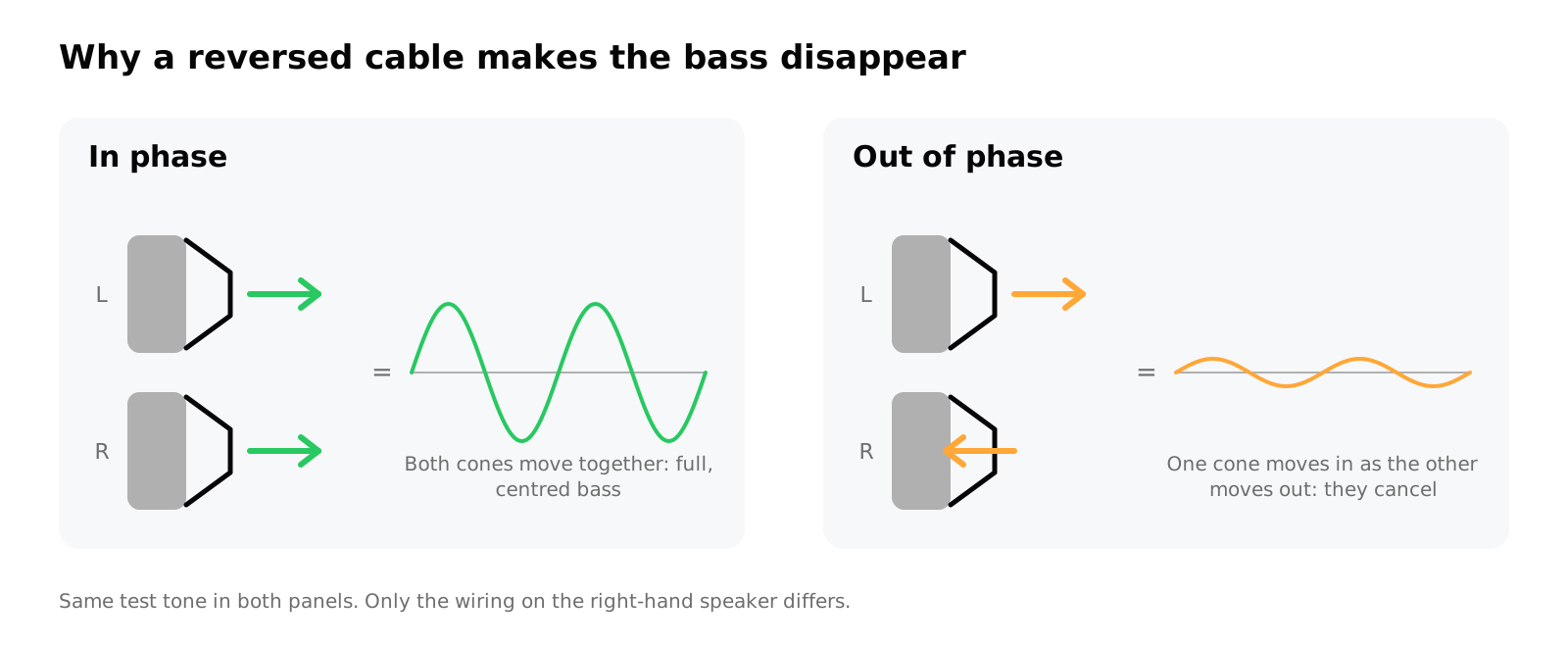
The test plays the same tone in phase, then out of phase. In phase should sound solid and centred; out of phase should sound hollow. If it’s the other way round, one cable is backwards. Swap the two wires on one speaker — either end, but only one.
Headphones can’t be out of phase unless they’re faulty, so this step is for speakers.
Reading the whole result
| You heard | Likely cause | Fix |
|---|---|---|
| Both play, correct sides, centred, solid | Nothing wrong | Enjoy it |
| Left tone from the right | Swapped channels | Cable or headphone orientation |
| One side silent | Dead driver, cable, or a mute | Check cable first, then repair |
| One side quieter everywhere | Balance or weak driver | Balance slider, then compare with another source |
| Hollow, no bass, no centre | Out of phase | Reverse + and − on one speaker |
| Both sides play the same tone regardless | Mono audio setting | iPhone: Accessibility → Audio/Visual → Mono Audio off |
A note on that last row
If every test seems to play in both ears and nothing you do changes it, check for a mono setting before assuming the test is broken. iPhone’s Mono Audio switch is an accessibility feature that sums both channels — useful if you’re deaf in one ear, confusing if it got switched on by accident. Some Bluetooth speakers also downmix to mono by design, which is fine, but it means a left/right test can’t tell you anything about them.
Speakers versus headphones
Headphones give the cleanest result because the channels are physically separated at your ears. In a room, sound from the right speaker reflects off walls and reaches your left ear a few milliseconds later, so a dead left channel can still seem faintly present.
So if you’re diagnosing equipment: headphones first, to confirm the source is fine. Then speakers, to test the speakers.
What this test can’t tell you
Whether the speakers sound good. That’s a different question, and it’s what a frequency sweep and a distortion check are for — how to test your phone speakers walks through those. The speaker test covers the buzz and distortion checks, and the sound test hub has the sweep and a bass test alongside the left/right check if you want to run the full set.
Frequently asked questions
How to Increase Bass on AirPods (What Works and What Doesn't)
How to increase bass on AirPods, which have no bass setting: the right EQ in the right app, ear tip fit, noise cancelling, and what no iPhone app can do.
How to Make Android Louder: Settings, Limits and What Works
How to make Android louder: four volume streams, a safe-volume cap, a Bluetooth quirk and, unlike iPhone, real system-wide boosters. Biggest gains first.
Make your music louder than ever.
Boost the volume, add deep bass, and fine-tune every track with a 6-band equalizer — all in one simple app.
Download the App