
How to Test Headphones Before the Return Window Closes
Why test at all
Because music hides faults. A driver that’s 3 dB down on one side, a rattle at 90 Hz, a seal that leaks all the bass — a good mix papers over every one of those, and you’ll notice something is “a bit off” about two weeks after the return window closes.
Test tones don’t hide anything. That’s the point of them.
Five checks, in this order. The headphone test plays each one in the browser, nothing to install.
1. Channels: do both play, and on the right sides?
Left tone only, then right tone only. Each should be clearly audible and arrive in the ear you expect.
This catches two things. A dead driver is rare in new headphones but does happen, and it’s a straight return. Swapped sides are more common than you’d guess — on earbuds the L/R marks can be tiny, and on some wireless pairs the channels can be reversed by a firmware quirk. Neither is subtle once you’re listening for it.
If both play in both ears no matter what, check for a mono audio setting on your phone before blaming the headphones.
2. Driver matching: are the two sides the same loudness?
This is the check most people skip and the fault most people have.
Play the same tone at the same level in each ear and compare. Do it at three or four frequencies, because drivers can match in the midrange and diverge at the extremes. Close your eyes; it genuinely helps.
- Matched everywhere → good pair
- One side quieter at every frequency → mismatched drivers. Return them
- One side quieter at one frequency only → possibly your hearing, which is asymmetric for most people. Compare with another pair to be sure
On in-ears, redo this after adjusting the fit. A poor seal on one side mimics a weak driver exactly.
3. Bass floor: how low do they really go?
The box says 20 Hz. Almost nothing reproduces 20 Hz at a level you can hear. What matters is where the bass starts to be clearly audible, and whether it’s clean when it arrives.
Step down through the low tones — 100, 60, 40, 30, 20 Hz — and note where the tone fades into nothing or into a faint buzz.
- Clear tone at 40 Hz and below → genuinely extended bass
- Fades out around 50–60 Hz → normal for most consumer headphones
- Nothing below 100 Hz on in-ears → almost certainly the seal. Press them in gently while the tone plays; if the bass appears, try a different tip size
Deep bass tones are also the best rattle test. A damaged or badly seated diaphragm buzzes at specific low frequencies and nowhere else, which is why a sweep finds it and music doesn’t.
4. Treble ceiling: how high can you hear?
Step up through the high tones — 8, 10, 12, 14, 16 kHz and so on — until the sound disappears.
Where it disappears is a fact about you more than the headphones. Most adults over forty hear little above about 15 kHz, and that’s normal. It’s worth knowing your own number for two reasons: it tells you which of the headphones’ claims you can actually use, and it stops you returning a good pair because you couldn’t hear a 19 kHz tone that nobody your age can hear.
What you can judge in this range is harshness. A pair that turns a clean 8 kHz tone into something splashy or fizzy has a resonance you’ll hear as sibilance on vocals.
5. Distortion and rattle
Play a sustained tone at a moderate level — mid-bass, around 80–100 Hz, is the most revealing — and raise the volume gradually.
- Clean until loud, then gently strains → healthy
- Buzzes or crackles at moderate volume → damaged driver or something touching the diaphragm
- Rattles at one frequency, clean above and below it → loose part or debris. Not repairable on most consumer pairs; return them
Don’t start at maximum. At the limit, every driver distorts, and you can’t tell a fault from physics.
The seal is half of everything (in-ears)
A large share of “these have no bass” complaints about earbuds are fit problems. The bottom octave depends entirely on a sealed ear canal; break the seal and it vanishes.
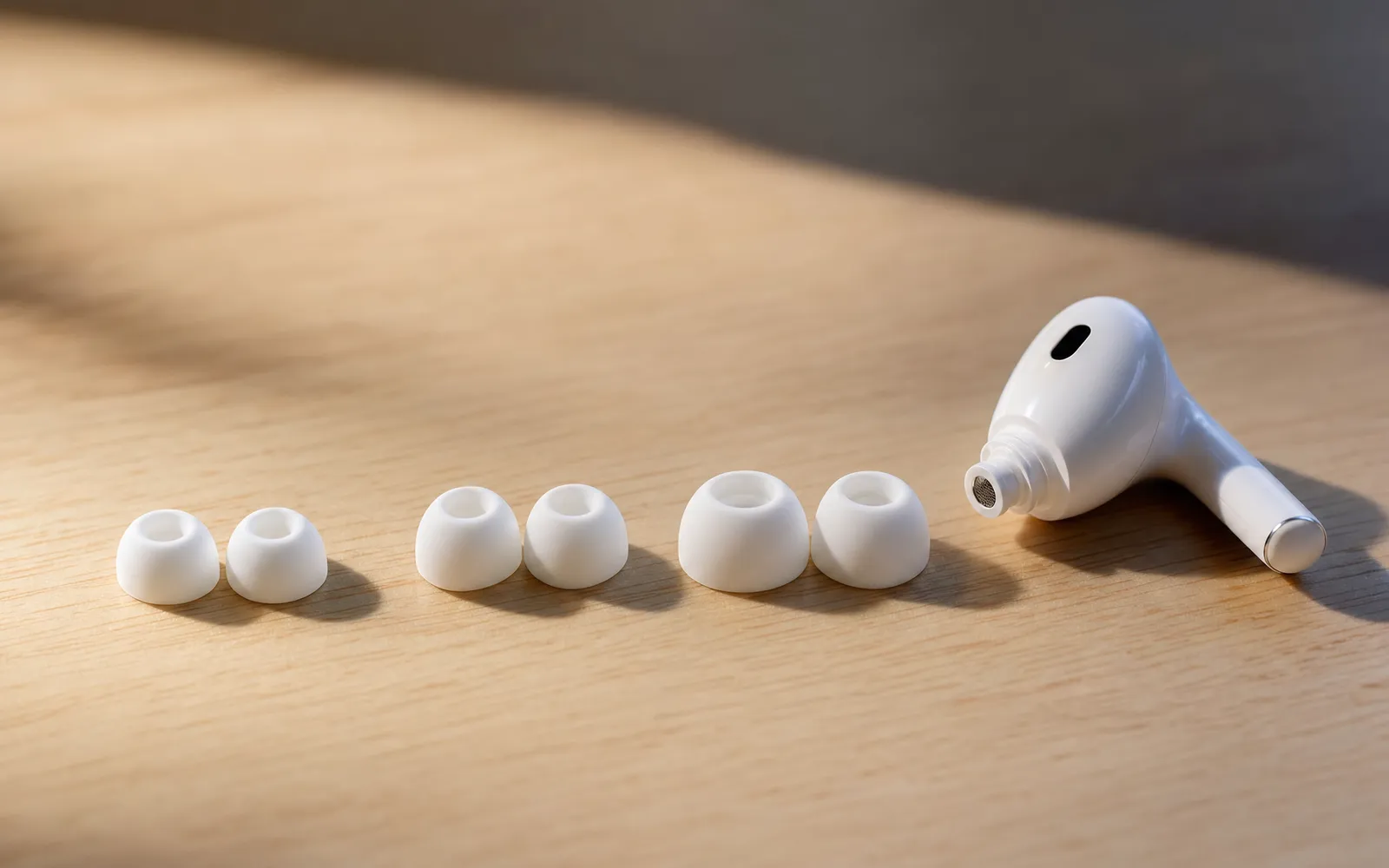
Try every tip size in the box, not just the one that came fitted. Run the bass tones with each. The right size is the one where 40 Hz is clearest, not the one that feels smallest. AirPods Pro have a built-in Ear Tip Fit Test for exactly this, and it’s worth running before assuming anything about the drivers.
Bluetooth adds a variable
Two things to know when testing wireless headphones.
Volume steps. Some phones cap Bluetooth output or apply a different volume curve to it, so a pair can seem quiet on one device and fine on another. Test on the device you’ll actually use.
Noise cancelling changes what you hear. Active noise cancelling removes low-frequency room noise that would otherwise mask the bass, so the same headphones often sound bassier with ANC on. Test with it on and off, and don’t mistake the difference for a fault.
“Passes everything, still quiet”
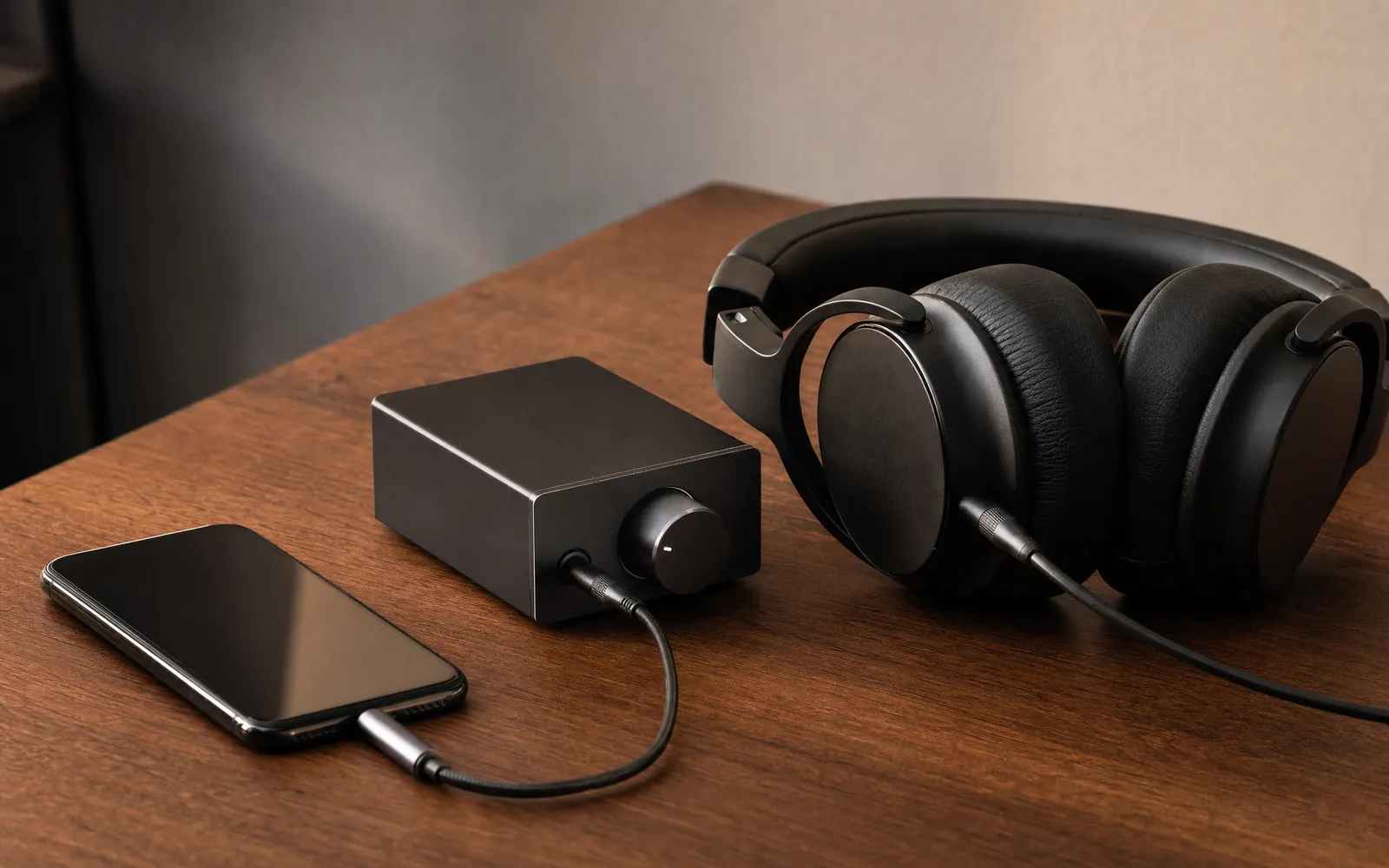
Then it’s not a fault. It’s a mismatch. Headphones vary enormously in sensitivity and impedance, and a pair designed for a studio amplifier can sound anaemic straight out of a phone. Check the impedance on the spec sheet; much above 80 ohms and you’re in amplifier territory. No software setting changes this. How to make your music louder covers what software can do — loudness normalisation, Late Night EQ, using the equalizer for perceived loudness — for the cases where the headphones are fine and the source is the problem.
Used headphones: the order changes
Buying second-hand, do channel matching first. A weak driver is the most common defect in used pairs and the one music hides best. Then the bass sweep for rattle, which reveals a damaged diaphragm. Then the loud-tone distortion check, where a failing driver breaks up earlier than a healthy one. Five minutes with a phone and the seller’s patience.
After the test
Everything passed? Then anything you don’t like about the sound is tuning, not a fault, and tuning is adjustable. A few decibels at the right band changes a pair more than most people expect — equalizer bands explained covers which band does what. And if you want to check the low end more carefully than a handful of tones allows, the bass test steps through the whole range. If the dullness turns out to follow the phone rather than the headphones, the grille is the usual culprit — the speaker cleaner cycle shakes it out, or water eject if it got wet.
Frequently asked questions
How to Increase Bass on AirPods (What Works and What Doesn't)
How to increase bass on AirPods, which have no bass setting: the right EQ in the right app, ear tip fit, noise cancelling, and what no iPhone app can do.
How to Make Android Louder: Settings, Limits and What Works
How to make Android louder: four volume streams, a safe-volume cap, a Bluetooth quirk and, unlike iPhone, real system-wide boosters. Biggest gains first.
Make your music louder than ever.
Boost the volume, add deep bass, and fine-tune every track with a 6-band equalizer — all in one simple app.
Download the App