
Why Is My iPhone Alarm So Quiet? 9 Fixes That Work (2026)
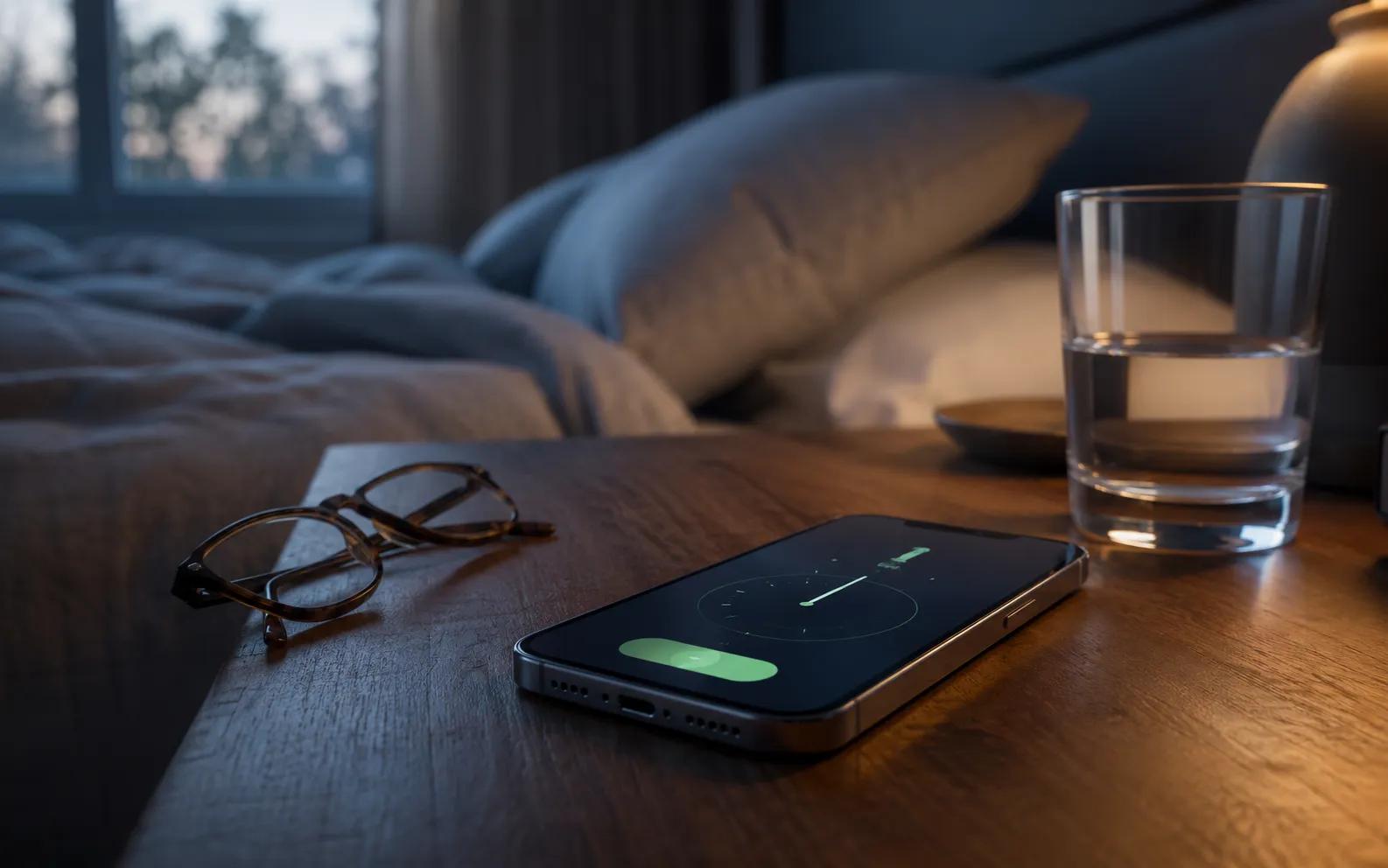
An iPhone alarm that is too quiet is almost always a setting, not a fault — and usually one of the nine below. The most common trap: the alarm uses the ringtone and alert volume, not the media volume the side buttons change, so pressing volume up while music is playing does nothing for tomorrow morning. Work through the checks in order; each one takes under a minute.
1. Attention Aware Features is turning your alarm down
If you have a Face ID iPhone, iOS watches whether you’re looking at the screen and deliberately lowers alarm and alert volume the moment it decides you’ve noticed. It’s helpful during the day. It’s maddening at 7 a.m., when you half-open one eye, glance at the phone, and the alarm quietly fades while you drift back off — which is exactly why so many people describe their alarm as “quiet only sometimes”.
Turn it off at Settings → Face ID & Passcode → Attention Aware Features. The same toggle also stops the screen dimming while you read, so you lose a small convenience; there’s no schedule for it, so it’s on or off.
2. The Ringtone and Alert Volume slider is low
Your iPhone has more than one volume. The side buttons usually change media volume — music, video, games. Clock alarms play at the ringer volume, a different slider entirely, so an alarm can be at 20% while your music is at full blast.
Go to Settings → Sounds & Haptics and drag the Ringtone and Alert Volume slider up (older iOS versions label it Ringer and Alerts). A preview tone plays at the new level, and that preview is exactly how loud your alarm will be. This is the single most common fix, and the one Apple’s own support page lists first. If you want to set it once and make sure it stays there, how to turn up the alarm volume on iPhone covers locking it in.
The same slider drives incoming calls, so if you’ve also been missing calls, iPhone ringer too quiet has the call-specific causes.
3. “Change with Buttons” is off — so the side buttons never touch the alarm
Directly under the slider is Change with Buttons. When it’s off, the side buttons only ever change media volume, and the alarm stays wherever the slider was left. People press volume up ten times, hear music get louder, and reasonably assume the alarm went up too. It didn’t.
When it’s on, the side buttons change the ringer whenever nothing is playing — which means turning your music down before bed can also turn tomorrow’s alarm down. Either setting is fine; just know which one you have. Many people prefer it off, with the slider parked at maximum, so the alarm can’t drift.
4. It’s the Sleep alarm, and that has its own volume
There are two alarm systems on an iPhone, and people routinely fix one while the other is the one going off. Clock alarms are the list in the Alarms tab and follow the ringer slider. The Sleep | Wake Up alarm comes from the sleep schedule in the Health app, sits at the top of the Alarms tab under its own heading, and has its own sound and its own volume slider — the ringer slider does not control it.
Edit it at Health → Browse → Sleep → Full Schedule & Options, open your schedule, and check the alarm’s sound and volume there. On recent iOS versions you can also tap the Sleep | Wake Up alarm in Clock → Alarms and choose Change. Sleep Focus itself does not quieten alarms, but if you see Sleep Focus switch on at night, it’s a sign you’re on the sleep schedule and should be editing this alarm, not a Clock one.
5. You’re still thinking of it as the “Bedtime” alarm
If your iPhone has been with you a while, you may remember a Bedtime tab in the Clock app with its own gentle wake-up sound. Apple retired that tab and folded it into the Health sleep schedule above; the alarm it created is the same Sleep | Wake Up alarm.
The wake-up sounds designed for it are soft by intent — they’re meant to bring you up gradually. If you’re a heavy sleeper, that gentleness is the problem, and the fix is the volume slider and sound picker in the Sleep schedule from step 4, not the Clock app.
6. The alarm sound you picked is just a quiet sound
Not every tone is equally loud at the same slider position. Sparse, gentle tones — long gaps, soft attacks — read as much quieter than a dense, bright one even at identical volume, because loudness perception depends on how much sound energy arrives per second. If you’ve set a song as your alarm, a quiet intro plays at the quiet intro’s level, and some tracks never get loud at all.
Open Clock → Alarms, tap the alarm, tap Sound, and pick something with a fast, repeating pattern: Radar, Alarm and Presto are noticeably more insistent than the ambient options. While you’re there, make sure Vibration isn’t set to None — on a hard bedside surface, vibration is a second cue that survives deep sleep better than sound alone. If you sleep through even a loud alarm, the heavy sleeper’s alarm guide goes further than volume.
7. Headphone Safety → Reduce Loud Sounds is capping it
If you sleep with earbuds in, check Settings → Sounds & Haptics → Headphone Safety. When Reduce Loud Sounds is on, iOS enforces a decibel ceiling on headphone output, and in some regions it’s on by default (and in a few, can’t be turned off) to comply with local hearing-safety rules.
That ceiling applies to everything sent to headphones, including an alarm. It’s a genuine safety feature and worth keeping unless you know why you’re turning it off — but if your alarm is faint only when you wear headphones, this is why. It has no effect on the iPhone’s own speaker.
8. A Bluetooth device or CarPlay is still connected
Clock alarms are designed to sound from the iPhone’s own speaker even when headphones are connected, but audio routing at 6 a.m. is not always what you expect. If the phone is still paired to a Bluetooth speaker in another room, earbuds sitting in their case, or a car on CarPlay in the garage, the alarm can end up faint, distant, or playing through a device you can’t hear. The tell-tale sign is an alarm that’s fine some nights and muffled on others.
Before bed, open Control Center, tap the audio output icon on the Now Playing tile, and confirm iPhone is selected — or simply switch Bluetooth off overnight. If you use earbuds to sleep, remember step 7 applies to them.
9. The speaker is blocked — lint, a case, or a mattress
Two mundane causes account for a surprising share of “my alarm got quieter over the last few months”. Lint in the speaker grille: the bottom grille is a magnet for pocket and bag fluff, and a clogged grille cuts perceived loudness noticeably. Clean it with a soft, dry brush; don’t use a pin or compressed air — Apple advises against both, and you can push debris further in or damage the mesh.
Where the phone sleeps matters too. Face-down on a mattress, under a pillow, inside a drawer, or in a thick case that covers the grille will muffle it; a hard nightstand actually amplifies it slightly. If everything on the phone is quiet — music, calls, speakerphone — not just the alarm, iPhone volume low has the full speaker diagnosis, and a quiet speakerphone at maximum is the quickest sign of a failing speaker worth a Genius Bar visit.
A note on iOS versions
The paths above match iOS 17 and iOS 18, where the slider sits under Settings → Sounds & Haptics → Ringtone and Alert Volume, Attention Aware lives under Face ID & Passcode, and the Sleep alarm is managed in Health. iOS 26 keeps the same settings under the same names as far as we’ve verified, with the Clock app’s alarm screen redesigned around bigger Stop and Snooze buttons. If a label doesn’t match what you see, pull down on the Settings home screen and search for “ringtone”, “attention” or “headphone safety” — the search finds the toggle regardless of where that version has put it.
Silent mode is not the culprit
Worth stating plainly because it comes up constantly: the Ring/Silent switch (or Action button set to Silent) does not silence Clock alarms, and neither do Do Not Disturb, Sleep Focus or any other Focus mode. Apple made alarms deliberately stubborn.
So if your alarm didn’t sound at all, the cause isn’t silent mode. It’s more likely a disabled toggle in the Alarms list, an a.m./p.m. mix-up, a repeat set for weekdays when you needed Sunday, or a Sleep schedule you edited instead of the Clock alarm.
What a volume booster app can and can’t do here
We make a volume booster app, so let’s be direct: no app can make your iPhone alarm louder. Not ours, not any of the ones promising a “200% boost”. Alarms are played by iOS itself, and iOS gives no app the ability to control the system’s audio or another app’s audio. An app can only amplify the audio it plays. That’s why every fix on this page is a setting, not a download.
Where a booster genuinely helps is the other half of the problem: quiet media. A podcast recorded at a low level, a film with whispered dialogue, a voice memo from a noisy room. Volume Booster plays your own music and audio files with gain, a bass dial and a 6-band equalizer applied, so a quiet recording comes out loud and clear. That’s a real thing software can do — raising your alarm is not. We drew the line in detail in do volume booster apps actually work.
If you’ve done all nine checks and the alarm is still faint at maximum ringer volume, that points at hardware. A speaker that’s failing will sound quiet for calls and speakerphone too, which is a quick way to confirm it before you book a repair.
Frequently asked questions
How to Increase Bass on AirPods (What Works and What Doesn't)
How to increase bass on AirPods, which have no bass setting: the right EQ in the right app, ear tip fit, noise cancelling, and what no iPhone app can do.
How to Make Android Louder: Settings, Limits and What Works
How to make Android louder: four volume streams, a safe-volume cap, a Bluetooth quirk and, unlike iPhone, real system-wide boosters. Biggest gains first.
Make your music louder than ever.
Boost the volume, add deep bass, and fine-tune every track with a 6-band equalizer — all in one simple app.
Download the App