
Why Is My iPhone Quieter Than It Used to Be?
Start from what changed
A phone that was always quiet has a different list of causes from a phone that became quiet. The first is about limits and settings you never noticed; iPhone volume low covers that list in full. This post is about the second: the phone was fine, and now it isn’t.
That’s actually good news, because “something changed” is a short list. Before touching anything, try to remember what happened around the time it got quieter — an iOS update, a new case, a new pair of earbuds, a swim, an app update. That memory usually points straight at the answer.
1. An iOS update turned on a limit
The most common cause after an update, and the least visible.
Settings → Sounds & Haptics → Headphone Safety → Reduce Loud Sounds. Updates sometimes switch this on, and in some countries it’s on by default and can’t be turned off. It caps headphone output at a chosen decibel level, so music that used to reach a certain loudness simply stops getting there. It doesn’t affect the speaker, so if the phone is quieter on headphones only, look here first.
While you’re in Sounds & Haptics, glance at the ringer and alerts slider too. It’s independent from media volume and an update can leave it where it was, which is confusing if you expected everything to move together.
2. The grille filled up
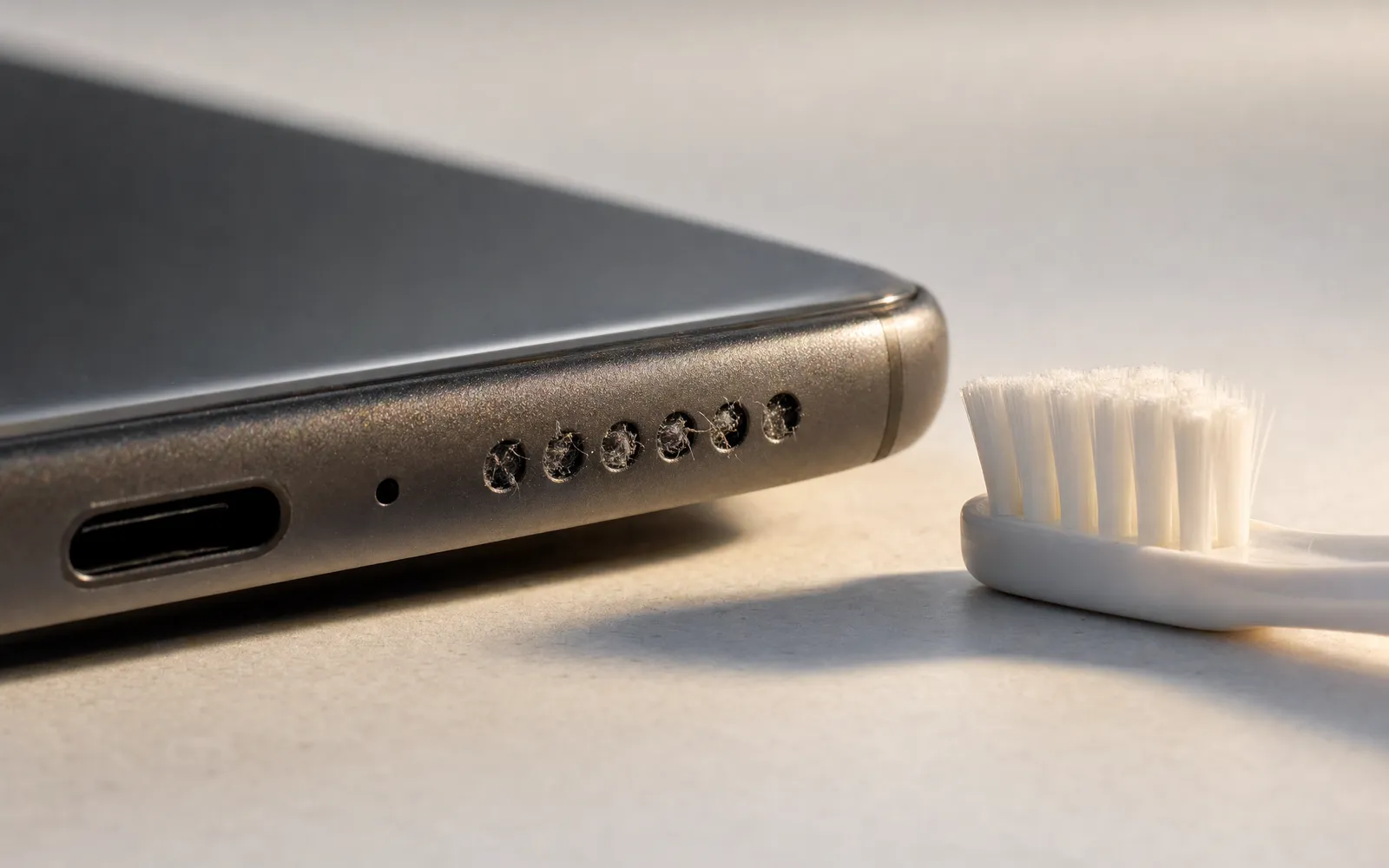
This is the gradual one, and gradual is why you miss it. Pocket lint, dust and skin debris settle into the speaker holes over months. The speaker gets muffled a little at a time, and because there’s no single day it changed, you don’t register it until it’s obviously wrong.
Take the case off. Look at the bottom grille in good light, ideally with the phone tilted. If the holes look grey or filled rather than black and open, that’s it.
Clean with a soft, dry brush — a clean toothbrush or a paintbrush — brushing sideways across the grille rather than pushing in. Sticky putty designed for electronics also works well. Don’t use liquid, a pin, or compressed air at close range; all three can push debris into the driver or damage it.
The earpiece at the top is a speaker too — iPhones play stereo through both — and it fills with the same stuff. Brush it as well.
3. The case moved, or the case is new
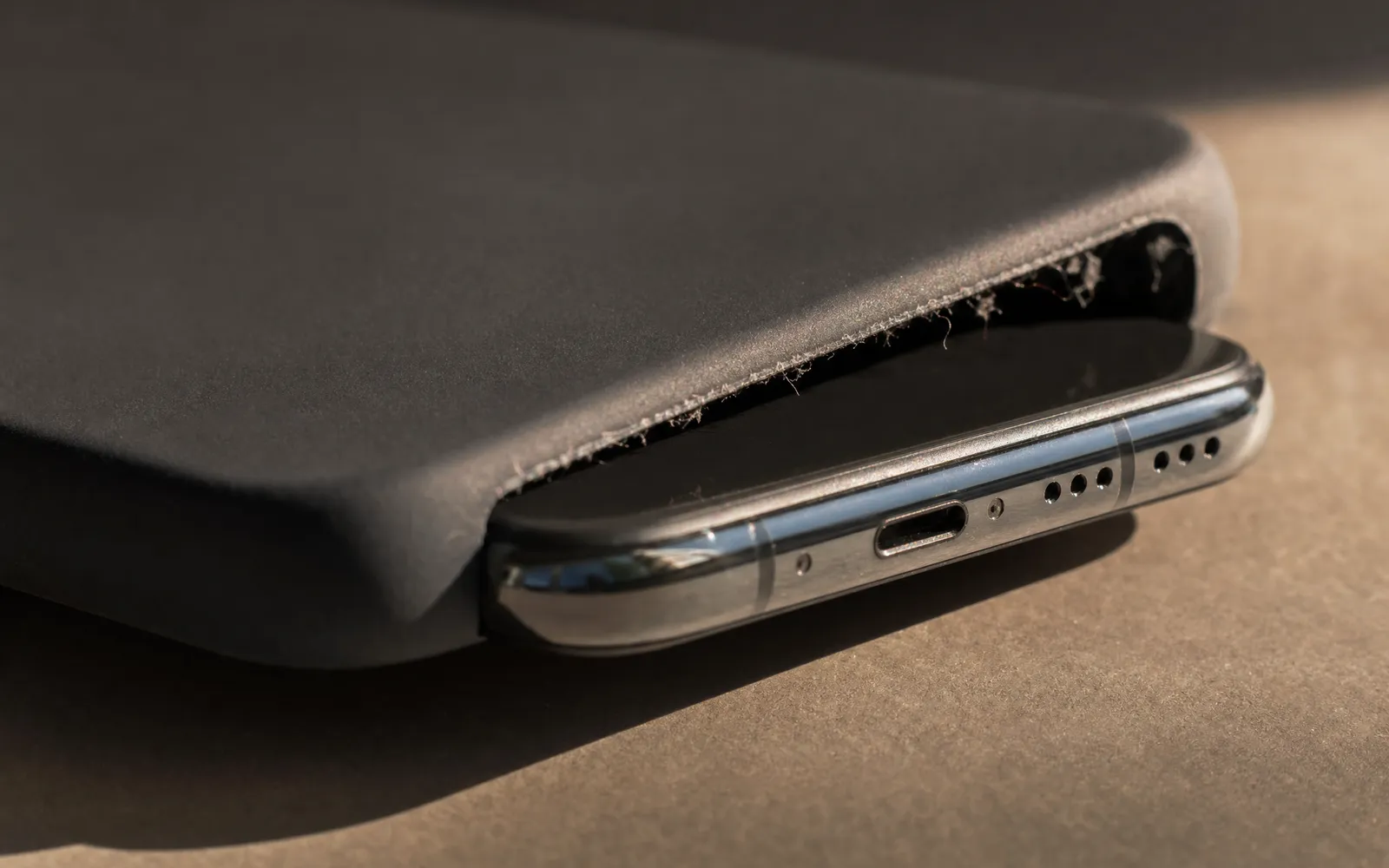
A case that covers even a third of the bottom grille takes a noticeable bite out of the speaker. A case that’s slightly out of position after being taken off and put back does the same. And a case that traps lint against the grille speeds up cause number two.
The test is trivial: take the case off and play the same thing. If the phone is louder bare, the case is the problem — either it doesn’t fit properly or it never did.
4. Audio is going somewhere else
If you recently paired new earbuds, a speaker, a car, or a watch, the phone may be routing audio to it — or to the last thing it was connected to — while you’re listening on the speaker.
The tell is audio that’s not just quiet but oddly quiet, or fine one minute and quiet the next as a device comes in and out of range. Open Control Centre, press and hold the volume slider, and check where the audio is actually going. If it’s not “iPhone”, tap iPhone. If it happens repeatedly, tell the phone to forget the device you don’t use.
Related: Reduce Loud Sounds and Headphone Accommodations both apply per output. A pair of AirPods can have settings that make them quieter than the last pair, and you’ll experience that as “the phone got quieter” when it’s really “this pair is set differently”.
5. An app started normalising
If every track got quieter at the same time, and only inside one app, look at that app’s settings rather than the phone’s.
Streaming apps normalise loudness so that quiet and loud tracks play at similar levels. That’s a good feature. But an app update can turn it on, change its default, or lower the target level, and the result is that everything you play is a few decibels quieter than last month.
- Apple Music: Settings → Music → Sound Check
- Spotify: in the app, Settings → Playback → Audio Normalisation, and the Volume Level beneath it
- YouTube: normalises automatically and can’t be turned off, so a quiet upload stays quiet
How to make your music louder goes through the normalisation settings app by app.
6. The phone got wet
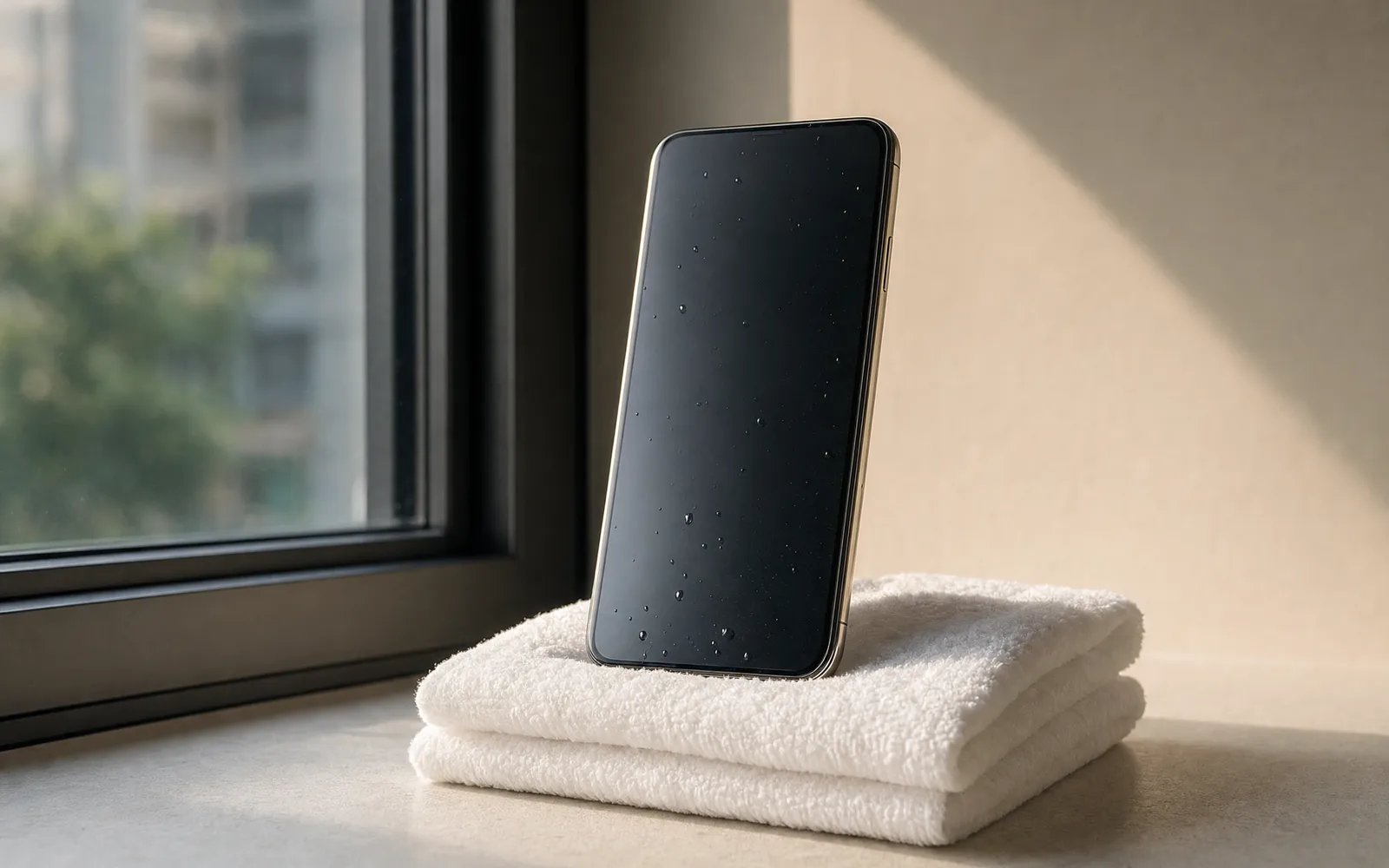
Water in the speaker doesn’t usually break it, but it muffles it badly until it’s out. If the phone was in the rain, the sink or the pool recently, the speaker can stay quiet for hours or even a day or two.
Leave it to dry with the grille facing down. A low tone — around 165 Hz, the kind Apple Watch uses to eject water — played through the speaker helps shake droplets out; the tone generator can play one. If the speaker is still muffled after two dry days, debris is more likely than water.
7. Then, and only then: the hardware
Speakers don’t wear out from normal use. They get damaged by water, drops and debris pushed into the driver. And damage usually doesn’t sound like “quieter” — it sounds like crackle, buzz or distortion at moderate volume, or one side going silent.
Run a speaker test before booking anything. Play the left channel alone, then the right, then a sweep. If both channels play, the sweep is even, and nothing crackles, the hardware is fine and the cause is one of the six above. If one side is dead or the sweep buzzes at a specific pitch, that’s a repair, and knowing which side is the single most useful thing you can tell the technician.
8. The honest last item
Sometimes the phone hasn’t changed. Hearing does, gradually, and the phone is the thing you compare against every day. If the phone passes a speaker test, sounds normal to someone else, and still seems quieter to you than it did a year ago, that’s worth a conversation with a doctor. No volume setting is the right answer to that one.
In order
| Check | Time | Sign it’s the cause |
|---|---|---|
| Reduce Loud Sounds | 30 s | Quiet on headphones, fine on speaker |
| Grille | 2 min | Muffled, “behind a cloth” sound |
| Case off | 10 s | Louder bare |
| Audio routing | 20 s | Oddly quiet, or comes and goes |
| App normalisation | 1 min | Every track in one app got quieter at once |
| Water | 1–2 days | Recent soaking, muffled |
| Speaker test | 2 min | Crackle, buzz, or one side dead |
Once the phone is back to where it was, and you still want more than it gives — for quiet recordings, old files, voice memos — that’s what a booster is for. It plays your own files louder; it can’t raise the ceiling of the speaker or touch other apps. How to make iPhone louder has the rest of the settings, and it’s honest about where the ceiling is.
Frequently asked questions
Volume Booster App vs Browser Extension: Which Do You Actually Need?
Volume booster app vs browser extension: an extension boosts any desktop tab; an iPhone app, only its own playback. And extensions have a safety problem.
How to Make a Video Louder on iPhone, Mac and in the Browser
How to make a video louder: raise the clip volume in iMovie, normalise it with a browser tool, or use ffmpeg. What each does, and where clipping comes in.
Make your music louder than ever.
Boost the volume, add deep bass, and fine-tune every track with a 6-band equalizer — all in one simple app.
Download the App