
Volume Booster App vs Browser Extension: Which Do You Actually Need?
The one-sentence version
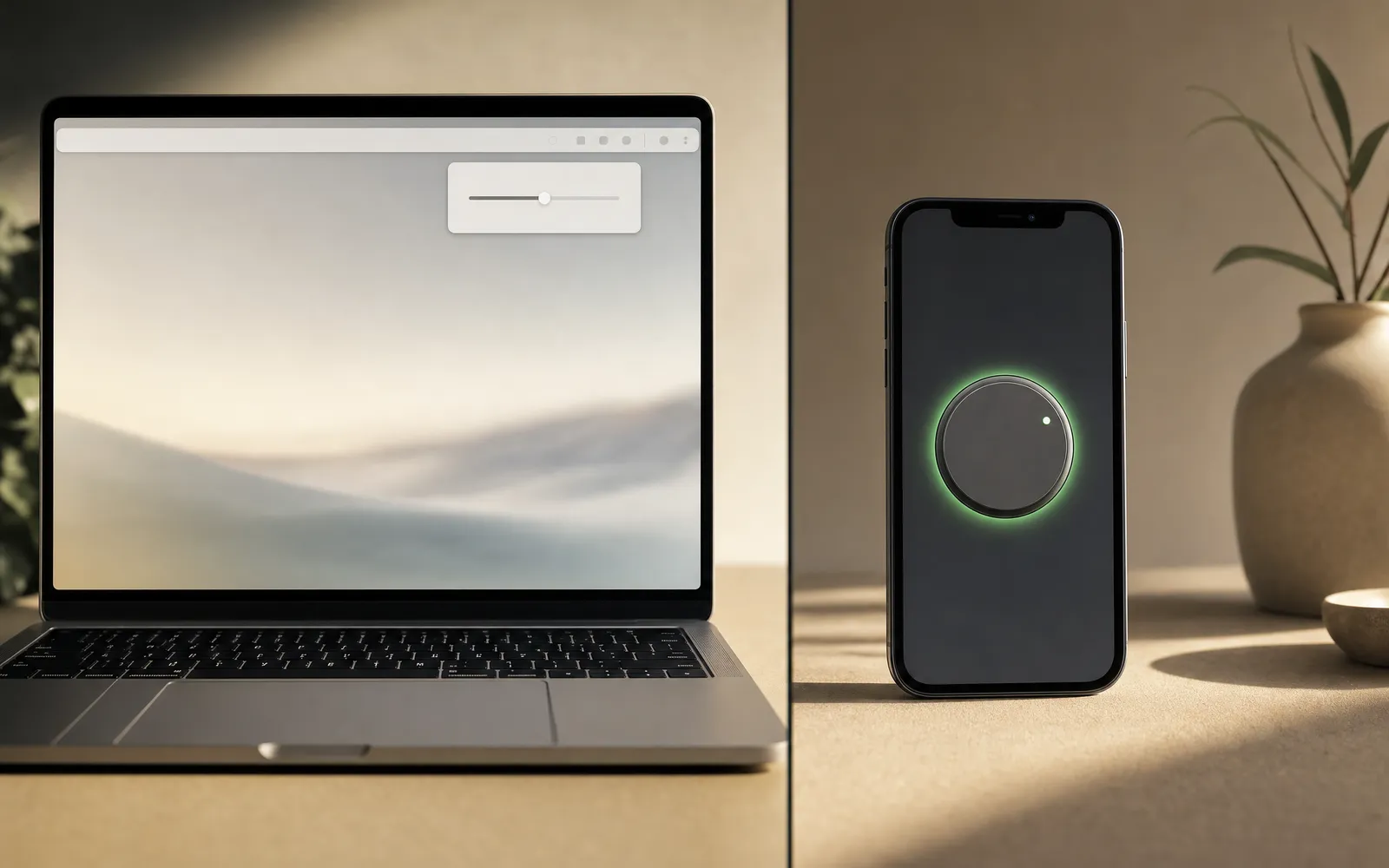
A browser extension reaches across — it can boost whatever the browser is playing. An iPhone app reaches inward — it can boost only its own playback. Everything else in this comparison follows from that.
What an extension actually does
Browsers give extensions a way to capture the audio of a tab. A volume booster extension takes that stream, runs it through a gain stage — the same sort of thing a mixing desk does — and sends it to your speakers louder than the browser’s own volume allows.
Because it sits between the tab and the speakers, it works on almost anything the tab plays: YouTube, a podcast site, a quiet video call, a lecture recording. That reach is the whole appeal.
The limits:
- Desktop only. Mobile browsers don’t support these extensions
- DRM-protected sites — Netflix, Disney+, Apple TV+ in the browser — generally can’t be captured. The protection that stops you recording the stream stops the extension too
- Clipping. Extensions advertising 600% or 1000% with no limiter will happily distort. Louder past a point is just crackle
What an iPhone app actually does
iOS isolates every app’s audio. An app can process sound it produces itself and nothing else. There’s no permission, no accessibility setting and no workaround that lets one app reach into another’s output.
So a booster on iPhone has to be a player. It opens your own audio files, applies gain, bass and an equalizer inside its own playback, passes the result through a limiter, and sends it to the speaker or headphones. A quiet recording comes out substantially louder. How volume booster apps work on iPhone walks through the signal chain.
What it can’t do — and what no iPhone app can do — is make Spotify, YouTube, Safari or your ringer louder. Listings claiming a “200% system boost” on iPhone are describing something the platform doesn’t provide. We’ve written about that at length in do volume booster apps actually work, because it’s the single most misunderstood thing in this category.
Android is genuinely different: it exposes audio effects that can attach to the global output, so Android boosters can legitimately affect everything.
Side by side
| iPhone app (our pick: Volume Booster) | Browser extension | |
|---|---|---|
| Runs on | iPhone, iPad | Desktop browser |
| Boosts | Files the app itself plays | Any tab the browser is playing |
| YouTube, podcasts in a tab | No | Yes |
| Netflix and DRM streams | No | Usually no |
| Spotify, YouTube apps on the phone | No — iOS doesn’t allow it | Not applicable |
| Your own music files | Yes, with EQ and bass | Only if played in a tab |
| System or ringer volume | No | No |
| Permission it needs | Access to the files you pick | Often “read and change data on all sites” |
| Worst-case risk | Your hearing | Your browsing data |
Look at that “permission” row for a moment, because it’s where the two diverge most.
The extension safety problem
To capture a tab, an extension needs access to that tab. Many volume booster extensions ask for a great deal more — permission to read and change all your data on every website you visit — and that permission is the attractive part for the wrong people.
In June 2025, security researchers at LayerX reported four volume booster extensions on the Chrome Web Store, with more than a million users between them, that could load instructions from a remote server and run them. They communicated over encrypted channels and connected to infrastructure already known to be malicious, and when the report was published all four were still listed. The pattern has a name — “sleeper” extensions, which look harmless until a remote server tells them otherwise — and this category has a second known pattern too: a well-reviewed extension gets sold, and the new owner pushes an update.
None of that means every extension is dangerous. Two of the most popular have millions of users and long clean records. It means the category has a trust problem, and you should install with your eyes open.
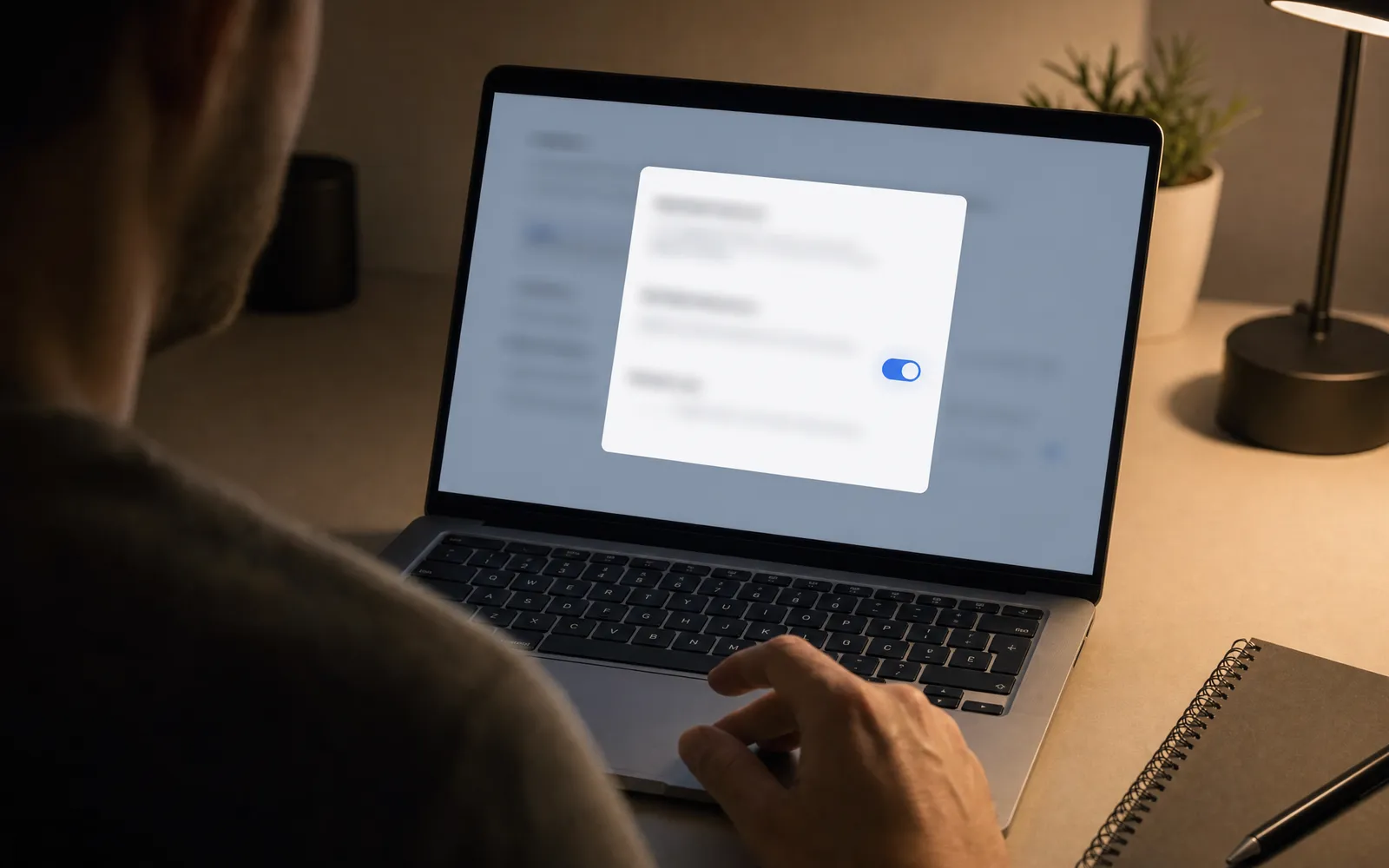
Before installing an extension:
- Read the permissions. A tab-audio booster needs the active tab. It doesn’t need all sites, your history or your cookies
- Check the ownership history. A change of developer on an old, popular extension is the classic warning sign
- Prefer open source where the code can be read
- Look at the last update and what it changed, if the changelog exists
The volume booster extension page goes deeper on what to check and why.
The app side is safer by construction, not by virtue
Worth being honest here rather than smug. An iPhone app can’t read your browsing or touch other apps’ audio because the platform forbids it, not because app developers are better people. The sandbox limits the worst case to a much smaller box.
That leaves one real risk on the app side, and it’s the one people underestimate: hearing. A booster that makes a quiet file loud is also a booster that makes a loud file dangerous, and headphones put that directly into your ears. The same 85 dB guidance applies whatever is doing the boosting. Is a volume booster safe covers the numbers.
So which one?
Ask where the quiet audio lives.
- A quiet tab on a laptop — a YouTube lecture, a webinar, a browser podcast → extension, chosen carefully
- Quiet files on your phone — voice memos, downloaded music, old recordings → app. Our pick is Volume Booster: ad-free, with a bass dial and a 6-band equalizer
- A quiet streaming app on iPhone → neither. The fix is in that app’s own settings, or in the phone’s: how to make iPhone louder has the list
- Quiet AirPods everywhere → probably fit and settings, not software. How to increase bass on AirPods covers what actually helps
If you have two of those problems, you need two tools. There is no single piece of software that does both, and anything claiming to is worth a second look at the permissions.
Do we make an extension?
Not at the moment. If we do, it’ll be free, ad-free, and ask only for the active tab — because the category needs one that doesn’t want to read your email, and a booster that can’t be trusted isn’t worth being louder for.
Frequently asked questions
Why Is My iPhone Quieter Than It Used to Be?
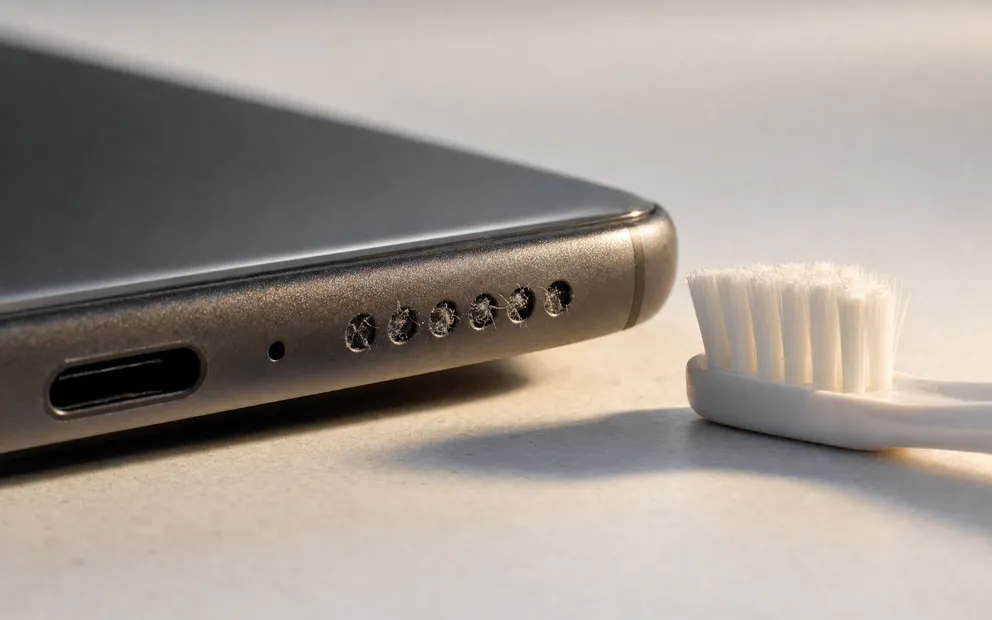
iPhone quieter than it used to be? Most causes changed without you touching them: an update, a filling grille, a case, a remembered Bluetooth device.
How to Make a Video Louder on iPhone, Mac and in the Browser
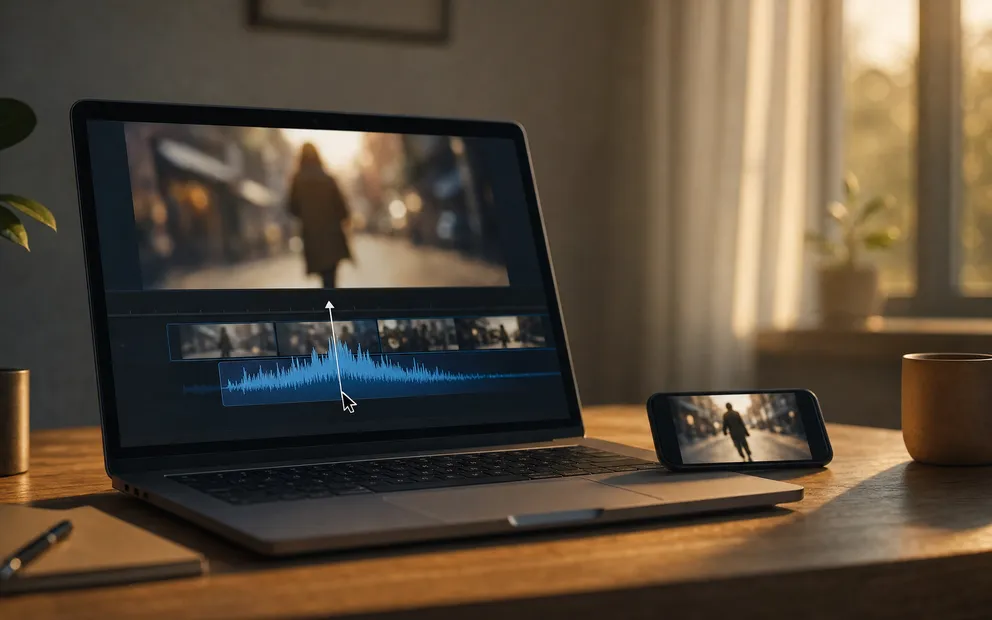
How to make a video louder: raise the clip volume in iMovie, normalise it with a browser tool, or use ffmpeg. What each does, and where clipping comes in.
Make your music louder than ever.
Boost the volume, add deep bass, and fine-tune every track with a 6-band equalizer — all in one simple app.
Download the App