
How to Make Your Phone Louder: What Works on Any Phone
Start with the part that works on every phone
Phone speakers fire out of the bottom edge, sideways, into whatever happens to be nearest. Where the phone sits changes the result more than most settings do.
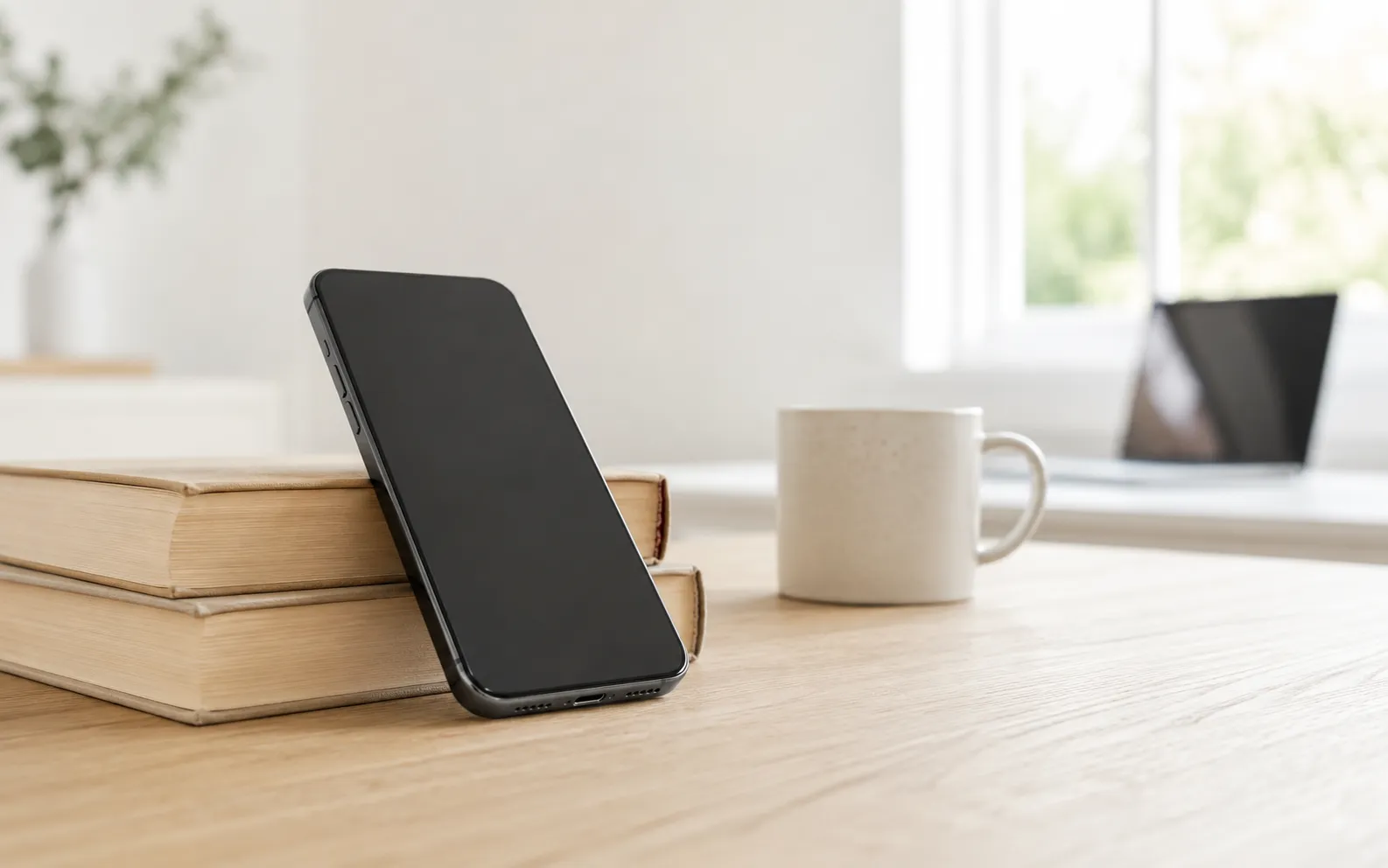
Put it on something hard, speaker facing you. A wooden table reflects sound back into the room. A sofa cushion absorbs it. Same phone, same volume, obviously different outcome.
Cup your hand behind the speaker. A rigid curved surface behind the output redirects sound that was heading away from you. It costs nothing and you can hear it instantly.
Use a bowl or a glass. Standing the phone in a ceramic bowl or a mug reflects dispersing sound forward and adds some resonance from the enclosed air. Expect a few decibels of perceived gain — noticeable, not transformative. Rigid beats soft: ceramic and glass work, a silicone cup much less so.
None of this is folklore. It’s the same principle that makes a speaker cabinet a cabinet.
Then clean the grille. Pocket lint accumulates over months, gradually enough that you never notice the decline — you just conclude the phone got quieter. Brush it with something soft and dry. Not a pin, not compressed air.
Now the part that depends on your phone
This is where advice on the internet contradicts itself, because two platforms behave completely differently and nobody says which one they’re on.
On Android
Android exposes audio effects that an app can attach to the global output mix, given the right permission. That means a booster app on Android can legitimately make everything louder — including other apps, including streaming services.
That’s why Android reviews for booster apps often say “it made everything louder” and mean it literally. How to make Android louder has the Android settings in order, and volume booster for Android: what works shows how to tell a real booster from a fake.
On iPhone
iOS gives no app access to another app’s audio. None. There is no permission, no workaround, no premium tier that unlocks it.
So an iOS booster is a player: it plays your own files and processes them on the way out. It genuinely makes that audio louder. It cannot touch Spotify, YouTube, Apple Music, your ringer or your alarms.
Anything on the App Store advertising a “200% system boost” for iPhone is describing a capability the platform does not provide. We went through this in detail in do volume booster apps actually work.
Settings that are quietly costing you volume
Every platform has some version of these two, under different names:
Loudness normalisation. Sound Check on iOS, and equivalents in most streaming apps. It evens out levels between tracks by turning the loud ones down — never by turning quiet ones up. With it on, your ceiling is lower. Turn it off and accept bigger jumps between songs.
A volume limit. Often set years ago and forgotten, sometimes by a previous owner. Nothing plays above it however far the slider goes. Worth ruling out in thirty seconds.
On iPhone specifically there’s a third setting that’s more useful than either: Late Night EQ, which is a dynamic range compressor rather than a tone control. It brings quiet passages up toward the loud ones, which raises perceived loudness more than anything else available. We covered it and the rest of the iOS specifics in how to make your iPhone louder.
When the recording is the problem
Everything above assumes the phone is the bottleneck. Frequently it isn’t.
Podcasts, lectures, voice memos and old home video are often mastered far below commercial music. Your phone is at maximum, the grille is clean, it’s sitting on a hard table — and it’s still too quiet, because the file is quiet.
That’s the one case where software genuinely adds level rather than recovering it. Volume Booster plays your own files with gain, a bass dial and a 6-band equalizer applied, so a quiet recording comes out loud and intelligible.
Worth knowing: for speech, the equalizer often beats the volume dial. Lifting the midrange makes dialogue more intelligible, which is usually the actual goal, and it gets you there at a lower overall level than turning everything up.
Where the ceiling is
A phone speaker is a small driver in a thin metal box. Its maximum acoustic output is fixed by physics. Software can move you closer to that ceiling; nothing moves it.
Past the limit, extra gain flattens the waveform peaks — clipping — and you hear harshness rather than volume. This is why a well-built booster caps its gain instead of offering an unlimited slider.
If you genuinely need more sound than a phone can produce, the honest answer is a small Bluetooth speaker. A larger driver in a proper enclosure does what no amount of processing will.
In order
- Hard surface, speaker facing you — free, instant
- Cup your hand or use a rigid bowl
- Clean the speaker grille
- Turn off loudness normalisation; remove any volume limit
- iPhone: turn on Late Night EQ. Android: a system-wide booster is genuinely an option
- Quiet recording? Boost the file itself
- Still not enough? That’s a hardware limit — use an external speaker
And before you raise anything on headphones, it’s worth knowing where the safe range ends: is a volume booster safe covers the 85 dB threshold and how your phone is already tracking your exposure.
Frequently asked questions
How to Increase Bass on AirPods (What Works and What Doesn't)
How to increase bass on AirPods, which have no bass setting: the right EQ in the right app, ear tip fit, noise cancelling, and what no iPhone app can do.
How to Make Android Louder: Settings, Limits and What Works
How to make Android louder: four volume streams, a safe-volume cap, a Bluetooth quirk and, unlike iPhone, real system-wide boosters. Biggest gains first.
Make your music louder than ever.
Boost the volume, add deep bass, and fine-tune every track with a 6-band equalizer — all in one simple app.
Download the App